Console
PS5 first-time setup: get from the box to a good first session
Set up your PS5 in the right order, keep your existing account and choose sensible display, family, download and power settings.
Read guidePS5 TODAY / Console
Set up your PS5, move from PS4, get connected and work through picture, power and cooling problems.
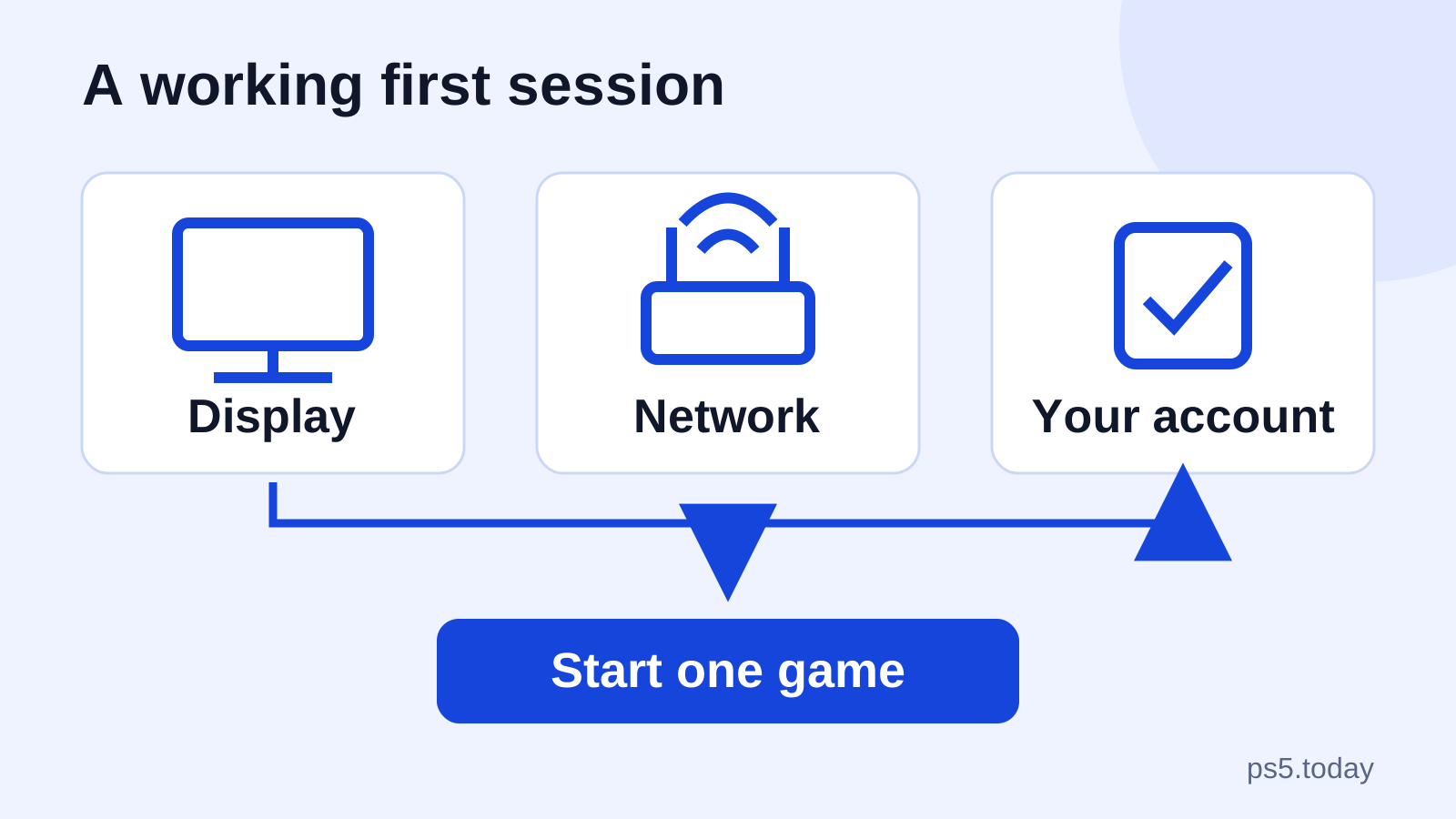
Get a working first session before deciding what else to buy.
Set up your PS5 in the right order, keep your existing account and choose sensible display, family, download and power settings.
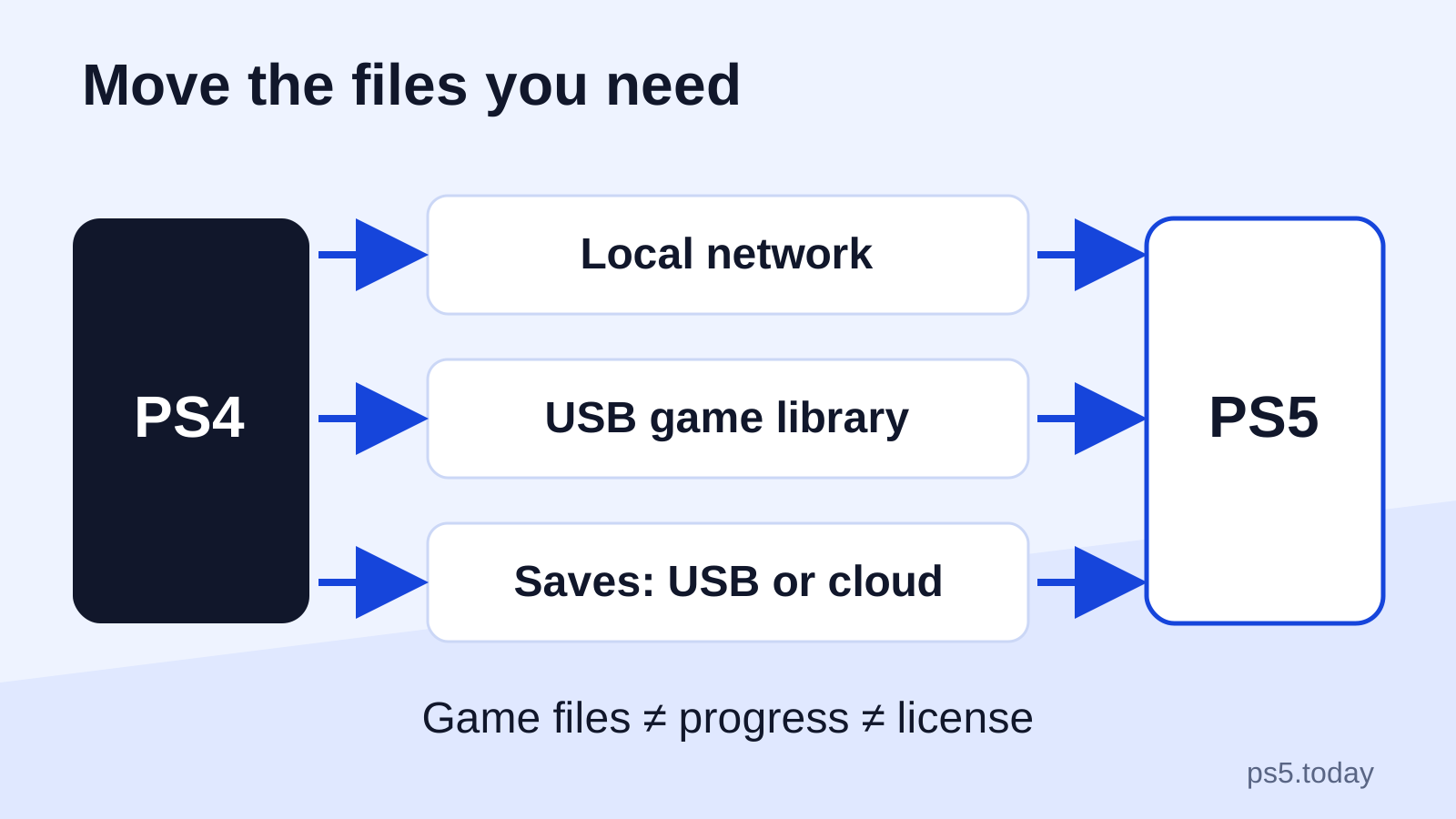
Read guideChoose data transfer, USB or cloud storage for your move from PS4 to PS5, with checks that protect progress and separate PS4 saves from PS5 upgrades.
Read guideChoose a PS5 around your games, screen and budget, with the disc drive and model differences that matter before buying.
Read guideJudge the Pro upgrade by supported games, your screen and the full cost, with a different answer for existing owners and first-time buyers.
Read guideFollow the symptom to the next useful check, with your games and saves protected.
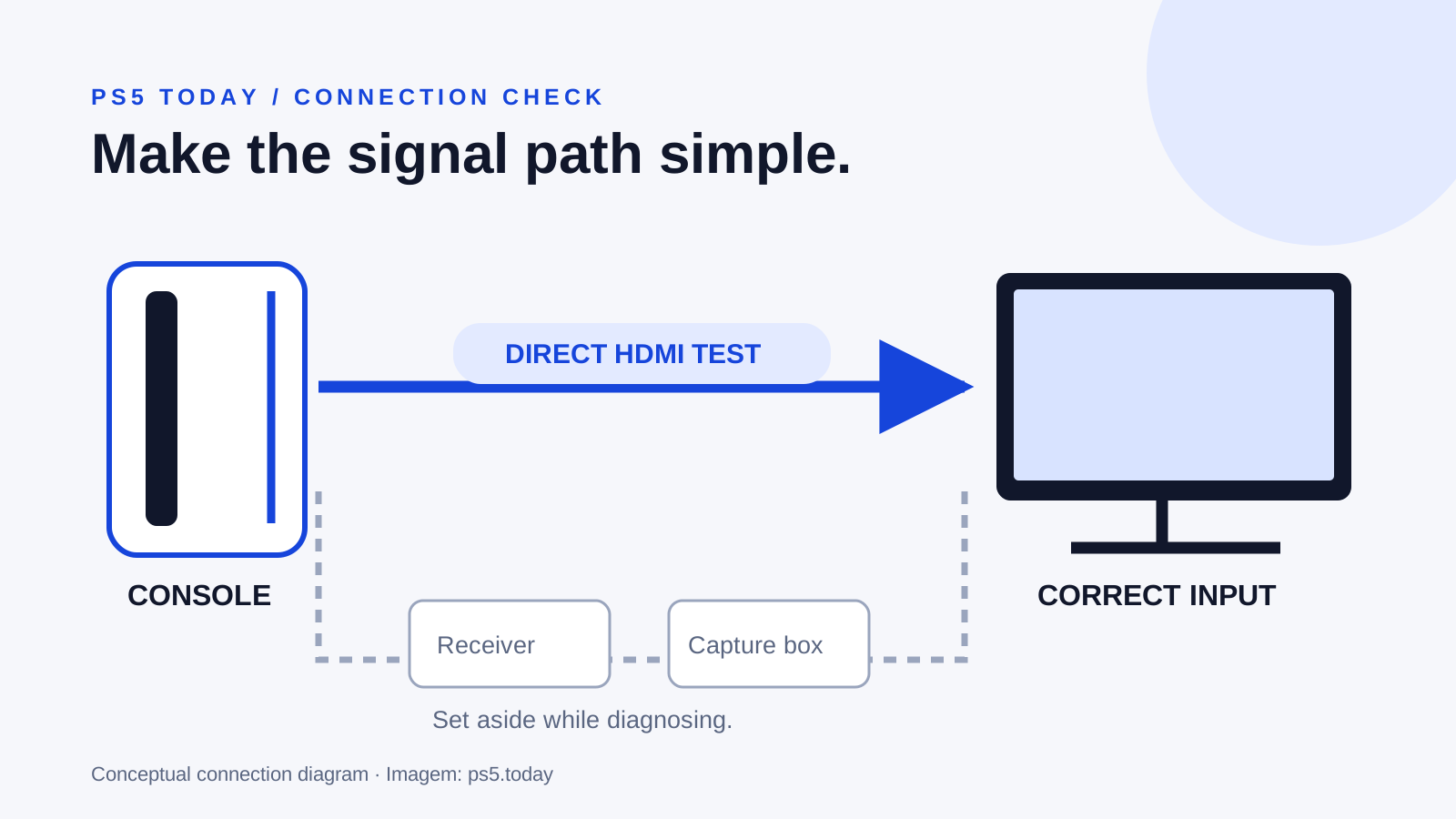
Trace a blank PS5 screen through the input, cable, display and video settings, with a clear point to stop and seek repair.
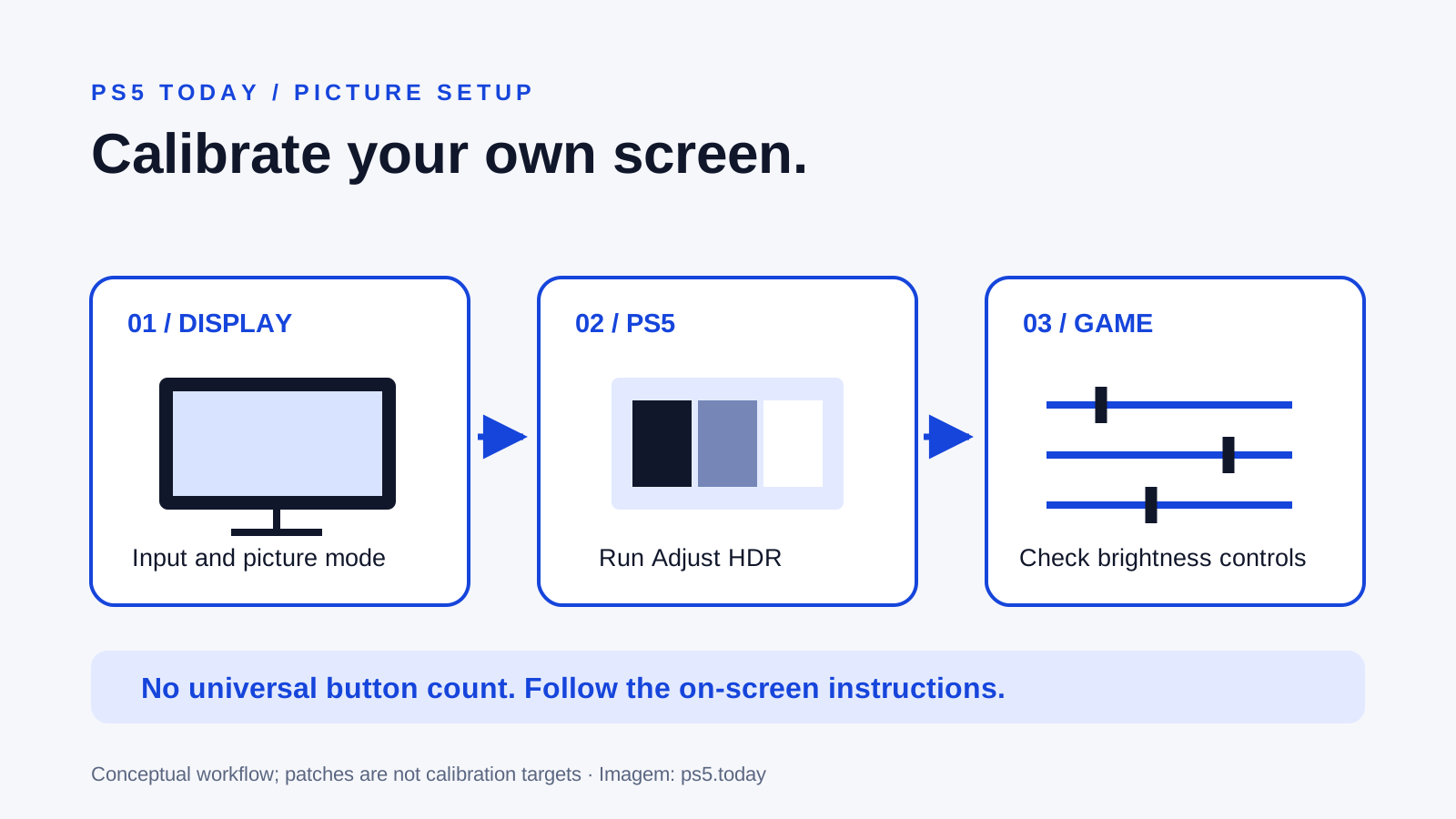
Read guideSet up PS5 HDR with your actual display, distinguish SDR from HDR and trace brightness problems without copying someone else's numbers.
Read guideUnderstand why a 120 Hz screen does not guarantee 120 fps and find the setting or connection stopping the intended output.
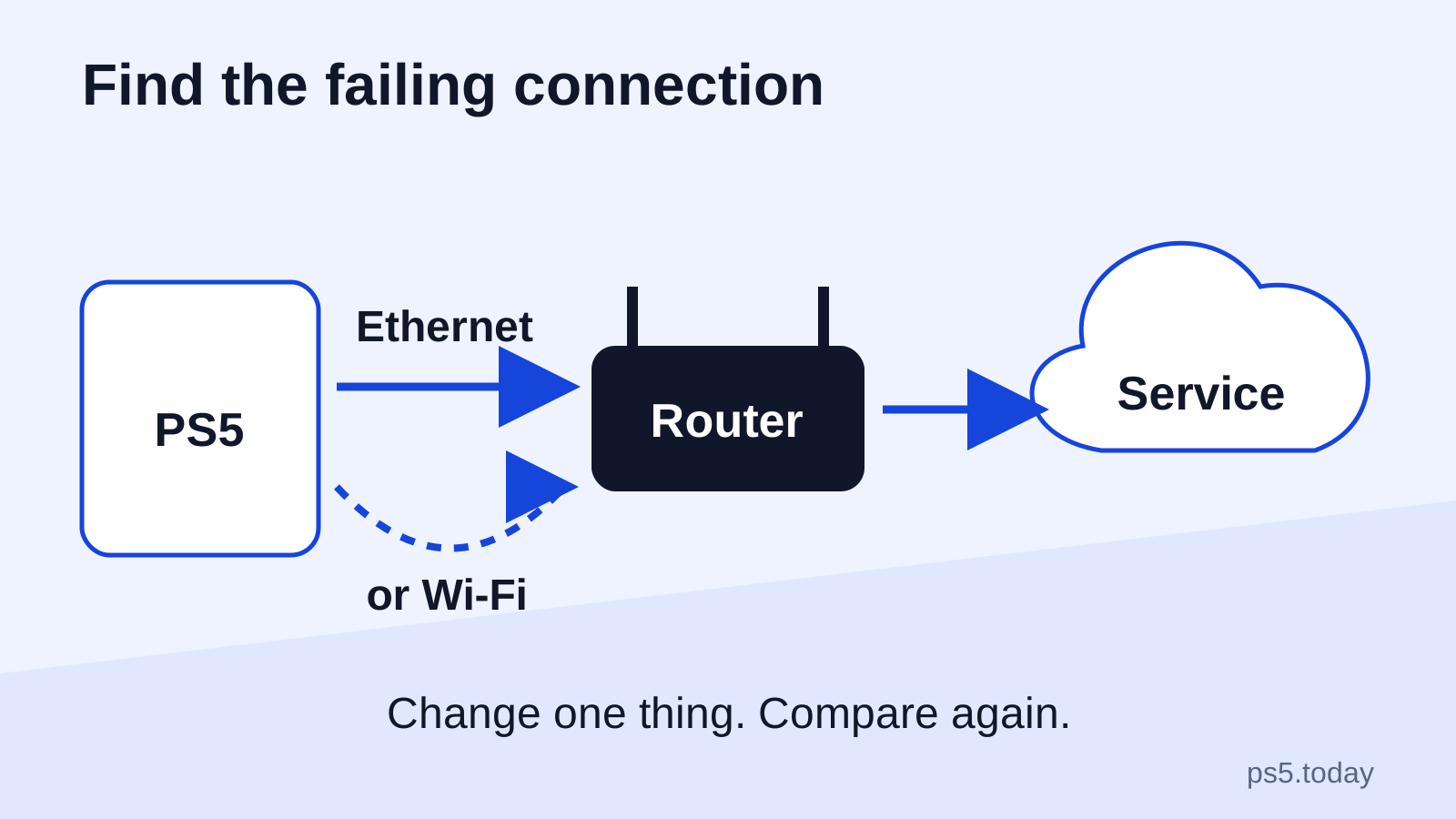
Read guideConnect your PS5, choose a practical wired or wireless setup and separate slow downloads, sign-in failures and online-game problems before buying equipment.
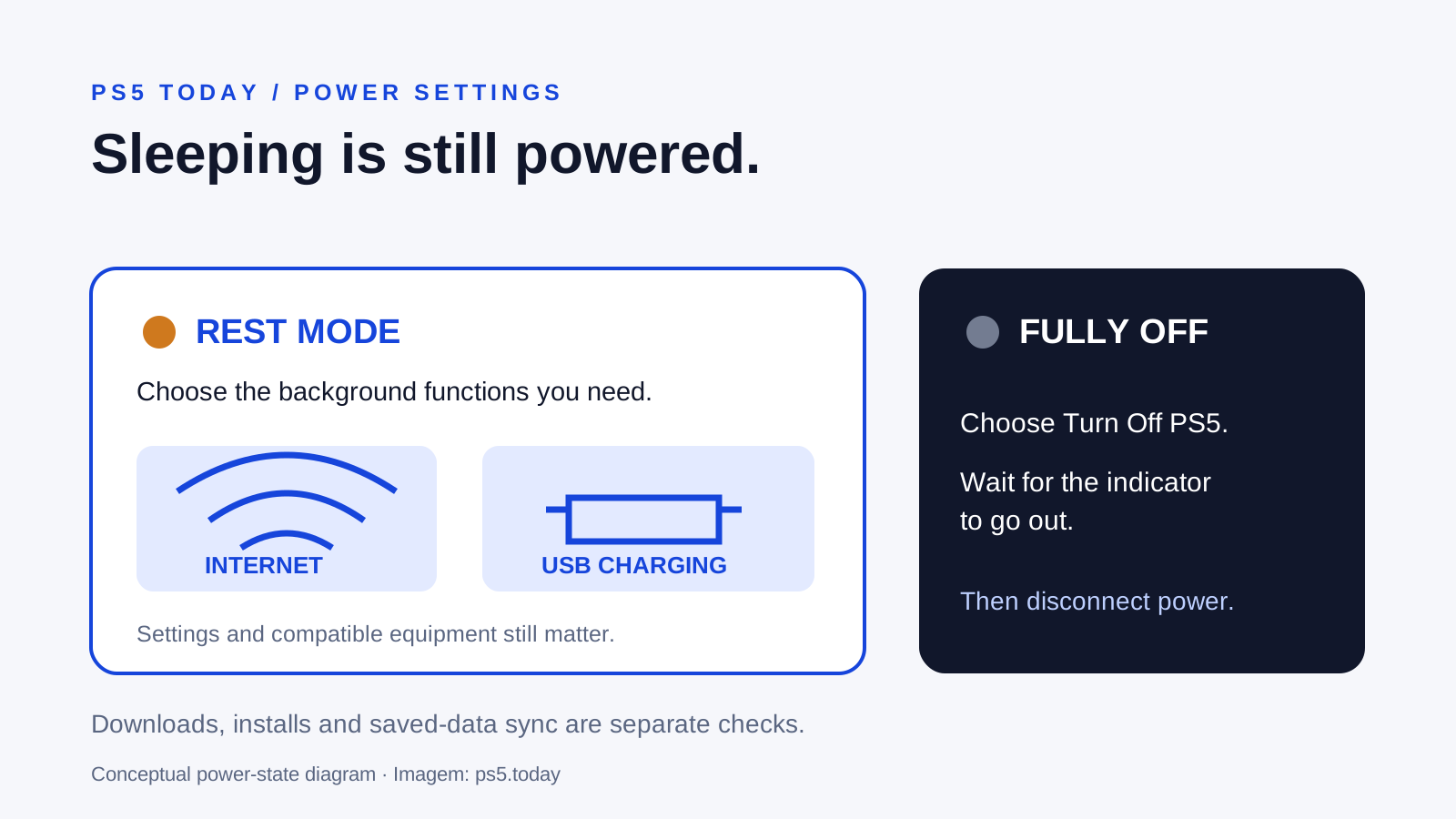
Read guideChoose which PS5 features stay available in rest mode, understand update behavior and fix missing downloads or overnight charging.
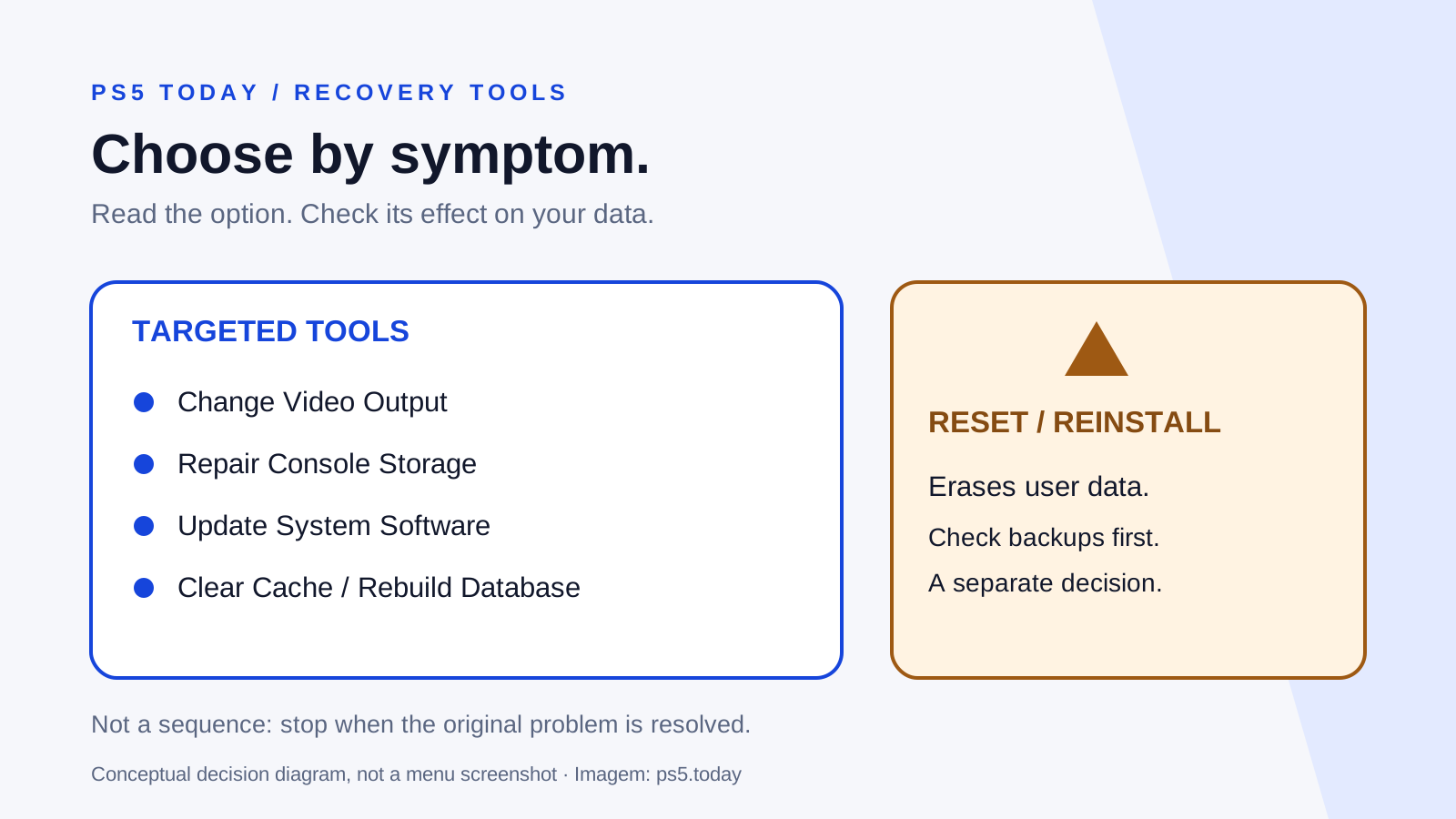
Read guideLearn how to enter PS5 Safe Mode, match its options to the problem and recognize which choices erase your data.
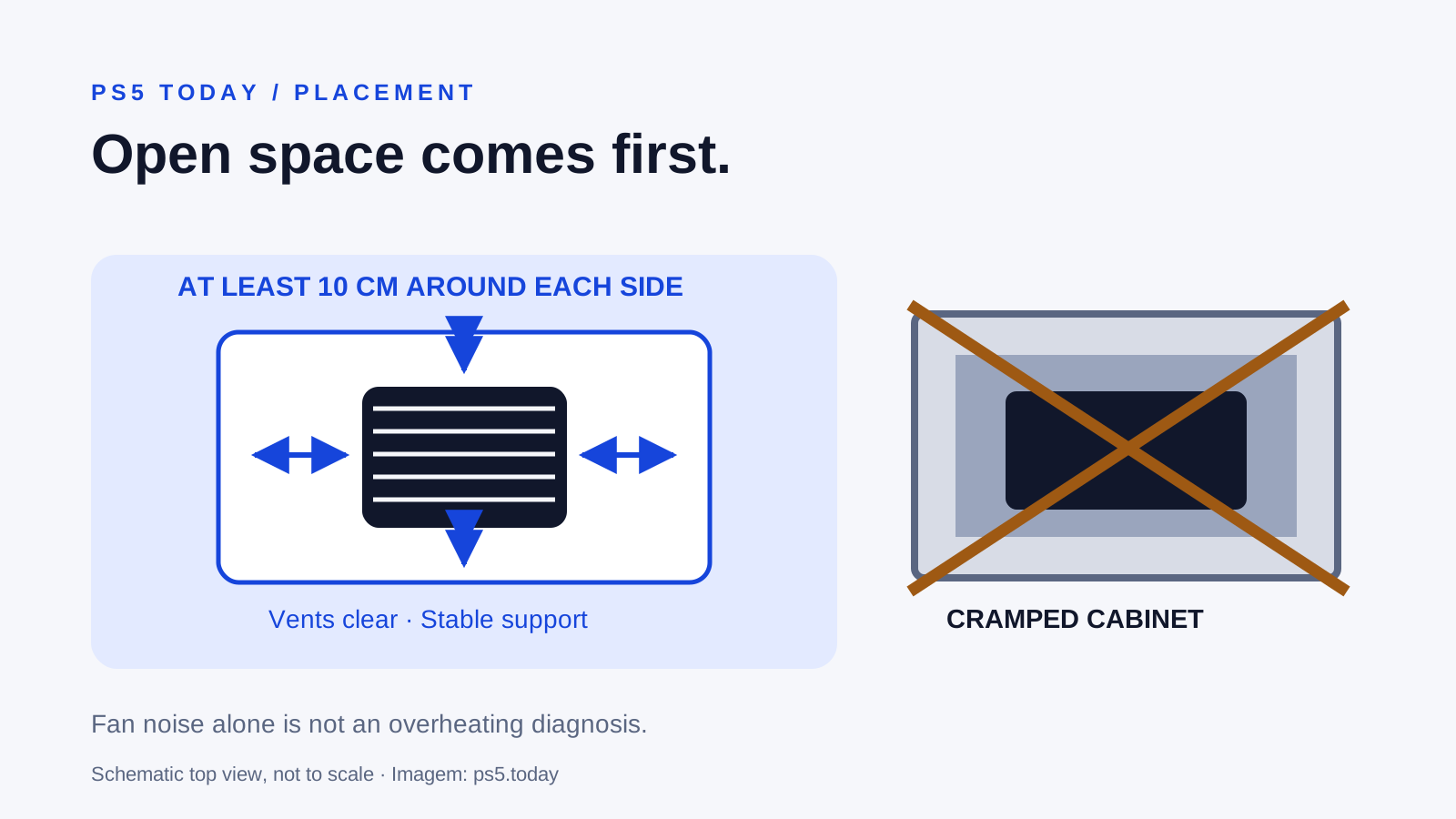
Read guideSeparate normal fan noise from overheating, improve the console's surroundings and know when cleaning or professional support is the next step.
Read guideKeep storage choices separate from progress and remote connections.
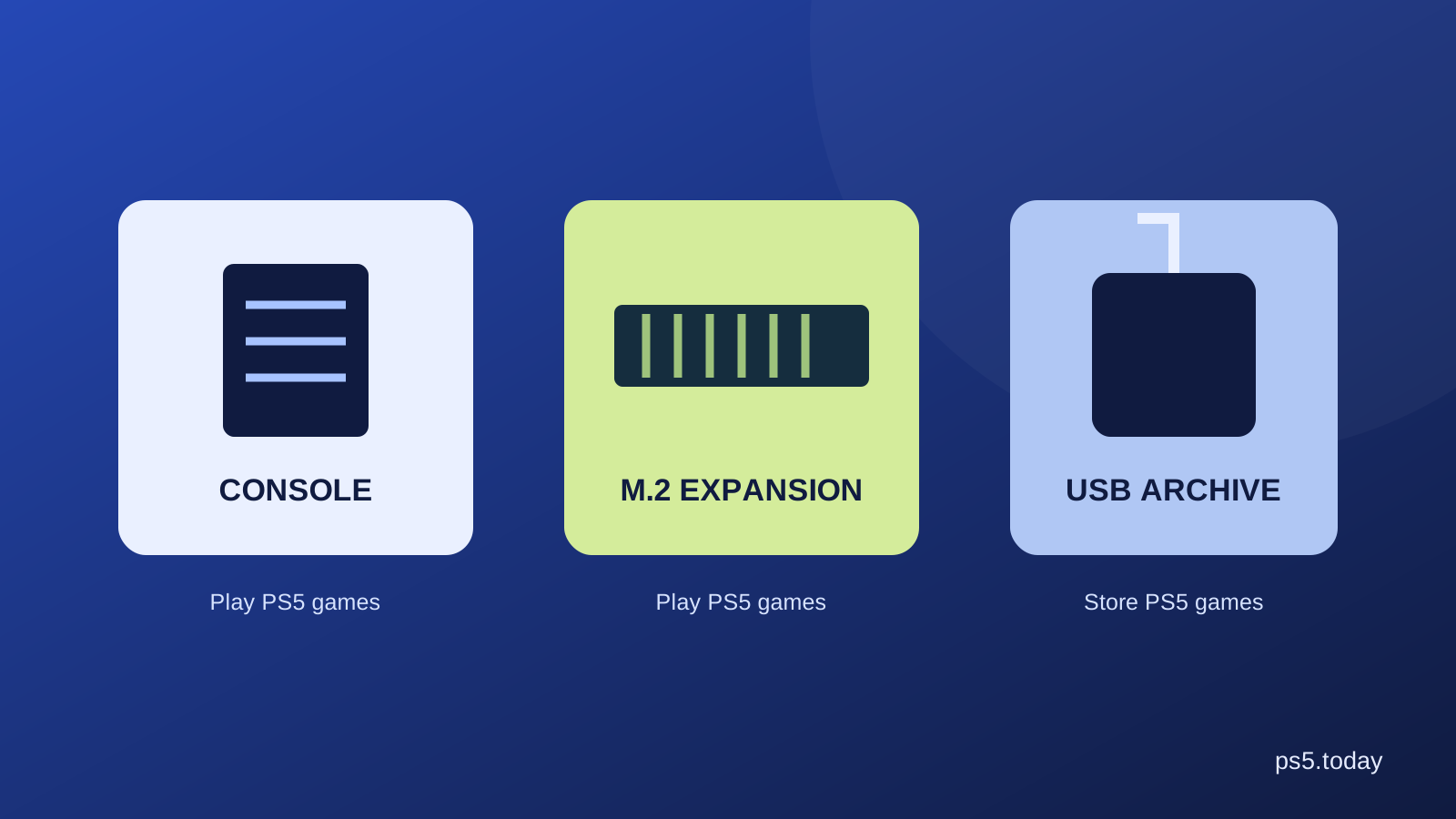
Understand where PS5 games can run, what USB storage is useful for and how to make space without confusing games with saves.
Read guideMake room by removing an installation, understand the separate Saved Data menu and check what you need before reinstalling.
Read guideUse Remote Play to reach your PS5 from a supported phone or tablet, test your connection and understand the difference from cloud gaming.
Read guide