The right PS5 is the one that plays the games you want, accepts the format you buy and leaves enough money for the rest of your setup. A standard PS5 with a disc drive is the most flexible starting point for someone with PS4 discs or an interest in used games. A Digital Edition suits a download-only library. PS5 Pro is worth considering when improved image quality in supported games matters enough to justify the extra spending.
Start with those differences, rather than a bundle photo or a headline discount. A console offer can look cheaper because it leaves out a disc drive, includes less storage than another model or comes with a game code you cannot use. The description of the exact item matters more than the family name on the box.
This guide explains how to make the decision. For a closer look at the premium model, read whether PS5 Pro is worth it. If GTA is your main reason for buying, also see what is confirmed for GTA VI on PS5.
Choose the game format before the console
A disc drive gives you another way to obtain games. It lets you consider compatible physical releases alongside PlayStation Store downloads. That matters if you already own discs, borrow games from someone you trust or prefer to buy a used copy and sell it later. You still need to install games and allow space for updates; a disc does not remove the need for storage.
A Digital Edition removes that physical option unless the exact model supports the separately sold compatible drive. Do not treat every PS5 Digital Edition as the same expandable machine. Sony’s detachable drive is intended for supported newer model groups; it is not a universal accessory for every launch-era Digital Edition. Check the console model and drive compatibility together before ordering.
Imagine two buyers. One has a shelf of PS4 games and regularly shops for secondhand releases. The other owns no discs and purchases everything on their account. They may play the same new PS5 game equally happily, but the drive has very different value to each person. This is why a simple recommendation to buy the cheapest console can be expensive over time.
Standard PS5, Slim and Pro are different questions
The word Slim is commonly used to distinguish the smaller standard PS5 design from the original larger machine. It does not mean a separate premium performance tier. PS5 Pro is the model designed around enhanced graphics capabilities, with improvements that depend on the individual game and its support.
Treat size, storage capacity and performance as separate lines in your comparison. A smaller shell is helpful in a room with limited space. More built-in storage can reduce how often you move games. Improved graphics are relevant to the picture you see. None of these automatically tells you whether the listing includes the game, drive, stand or accessories shown elsewhere on the retailer’s page.
The official PS5 Pro page describes its graphics features and supported enhancements. Those are product capabilities, not a promise that every title has the same resolution, frame rate or visual mode. Look for game-specific information when one particular release is driving your purchase.
Compare the complete setup cost
Write down the items you actually need in your own shopping notes: console, one game, any necessary drive, any required support for your chosen position and a second controller only if you will use it. Add delivery and local taxes shown at checkout. Compare that total between offers on the same day.
A bundle is useful when its contents match your plans. A download code for a game you already own adds little practical value. Extra controllers are worthwhile for compatible local multiplayer, but they do not turn a single-player game into a two-player experience. A cosmetic edition should be a preference you choose knowingly, rather than something that silently consumes the budget for games.
Avoid comparing one retailer’s bare console with another retailer’s full bundle. Also distinguish new, refurbished, open-box and used listings. These conditions can change the included accessories, return process and support route. Read the seller and condition fields, not just the main title.
Your screen affects what an upgrade is worth
You do not need to replace a working screen simply to own a PS5. Start by understanding what it accepts over HDMI and how far away you sit. A small desk screen and a large living-room television make different demands on image detail, text size and viewing comfort.
If you want 120 Hz output, both the display and the game need appropriate support. A high refresh rate printed on a monitor’s box does not by itself confirm the HDMI modes available to a console. A screen may advertise features mainly through its DisplayPort connection, which is not the connection the PS5 uses.
Before spending on Pro, watch a reliable comparison for a game you actually play, on a screen similar to yours if possible. Consider whether you prefer sharper detail, smoother motion or simply more games within the same budget. Our 120 Hz troubleshooting guide explains why changing the console alone may not produce the result you expect.
Check your existing library and accounts
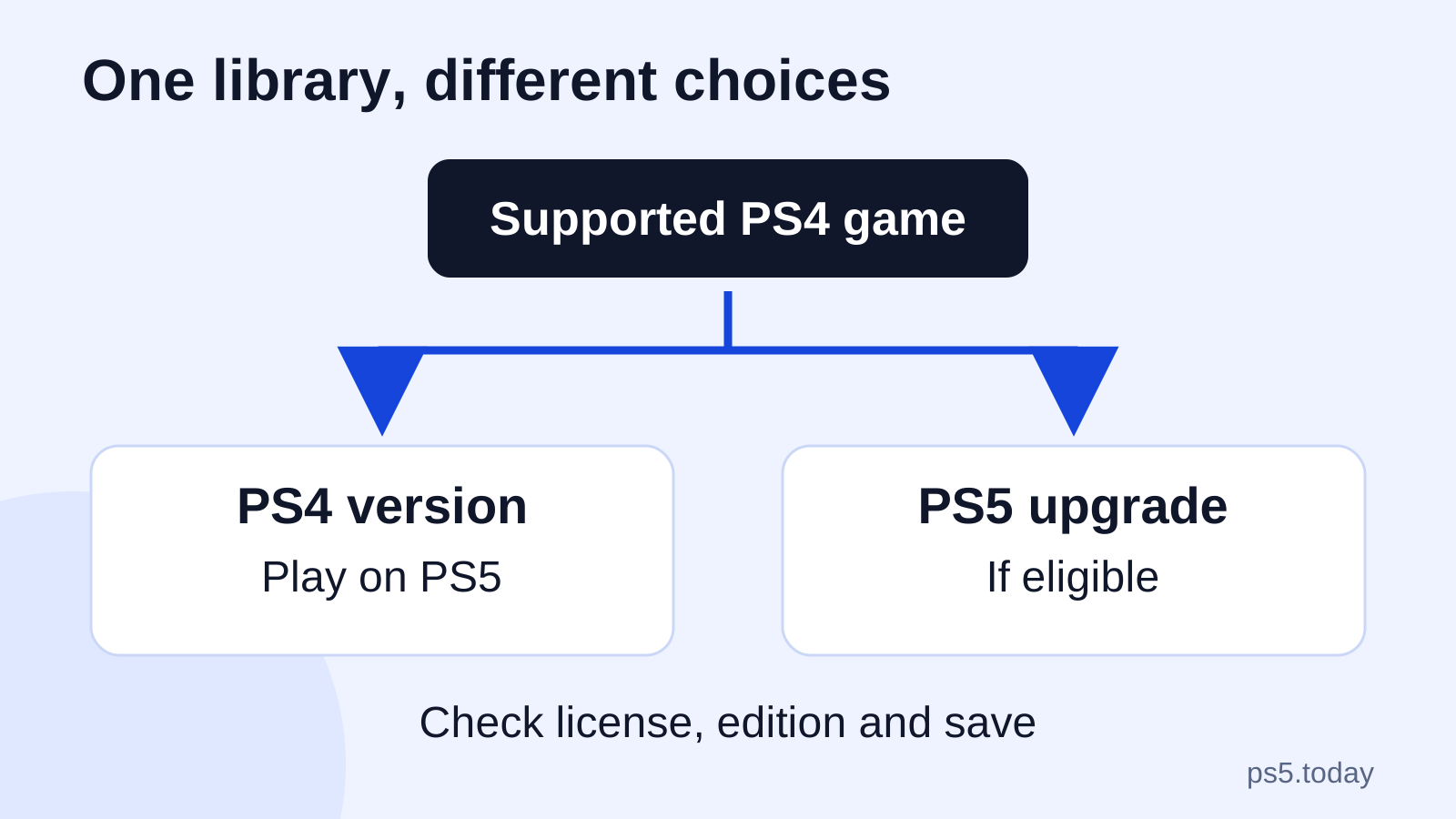
List the games you would be disappointed to lose access to. Separate digital purchases from discs, then check the supported version for each important title. Backward compatibility, a paid upgrade and a new native PS5 edition are different arrangements. A familiar name on the library tile does not settle which version you own.
Sign in with the account that owns your digital purchases when setting up your own replacement console. Keep access to your sign-in method and recovery information before selling or resetting the old machine. Do not build a console purchase around a stranger’s promise to include an account full of games. An account login is not the same thing as purchasing those games for your own library.
For GTA in particular, decide whether you want GTA V Story Mode, GTA Online or the forthcoming GTA VI. Those names do not describe a single interchangeable purchase. See our GTA V version guide before buying an older bundle because its packaging says Grand Theft Auto.
Storage should solve a real problem
More storage is convenient when several large games stay installed, especially in a household where people alternate between different titles. It is less urgent if you mainly play one game and have a connection that makes downloads manageable. There is no need to buy every accessory on the first day.
Look at the advertised capacity of the exact console, then remember that system functions also occupy space. Avoid estimating a future game’s final installation from an unverified social post. Storage needs change with updates and additional content. A flexible plan is more useful than an exact-looking number without an official source.
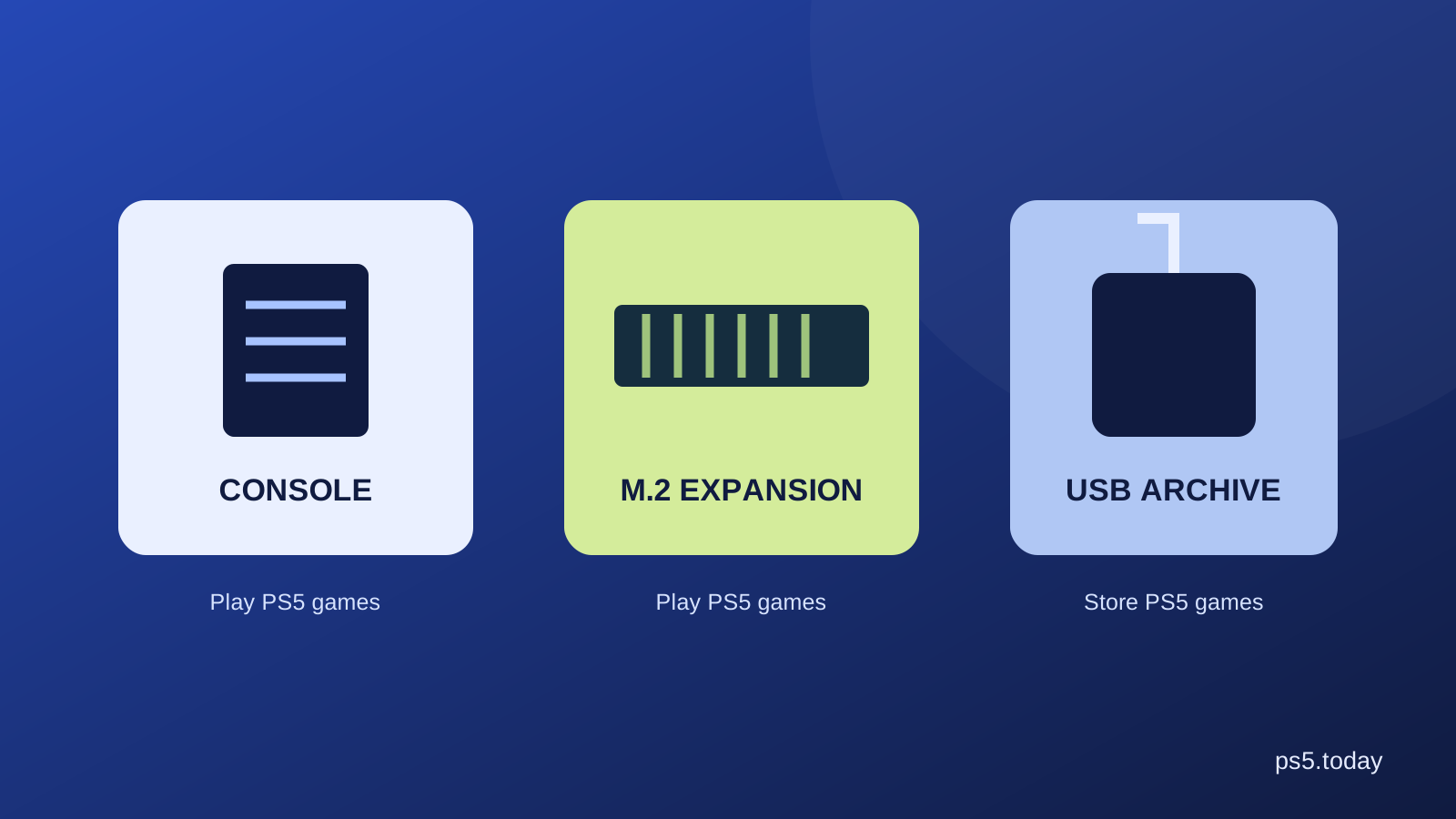
If you later need expansion, a compatible internal M.2 SSD and a USB drive serve different jobs. They should not be compared only by price per terabyte. Our PS5 storage guide shows which option lets you play PS5 games directly and which works as an archive.
Buying used: ask about the machine, not promises
For a used console, verify its model, condition, included controller and cables, and the seller’s return terms. If you can inspect it, look for damage to ports, persistent unusual noise and whether the disc drive reads a compatible game when a drive is included. A brief demonstration is information, not a guarantee of long-term reliability.
Make sure the sale is for the hardware itself. Games installed under somebody else’s account can disappear from your usable library when that account or sharing arrangement changes. Do not pay extra merely because a photo shows many tiles on the home screen. Ask for the model number and actual contents instead.
Think about inconvenience as well as the cash difference. A small saving may not be worthwhile if missing cables, an unreliable controller or an unclear return route leave you unable to play. Conversely, a well-described used machine from a seller with a clear process can be a sensible option when its condition and total cost fit your needs.
Make the final choice
Choose a standard PS5 with a drive if physical games are part of your plan and the listing is otherwise suitable. Choose Digital Edition if you deliberately want a digital library and have checked any future drive option. Consider Pro when supported graphics improvements matter to you and the full setup fits comfortably within your budget.
Keep money for the experience after unboxing. A game you want, a comfortable place to play and a reliable connection can make a bigger everyday difference than an accessory bought for a feature you never use. The best purchase is the complete setup you understand, rather than the most impressive name you can stretch to afford.
For the official setup and model-specific instructions, use PlayStation’s getting started guide. When comparing retailer offers, check the current product description, seller, account restrictions and delivered total before paying.
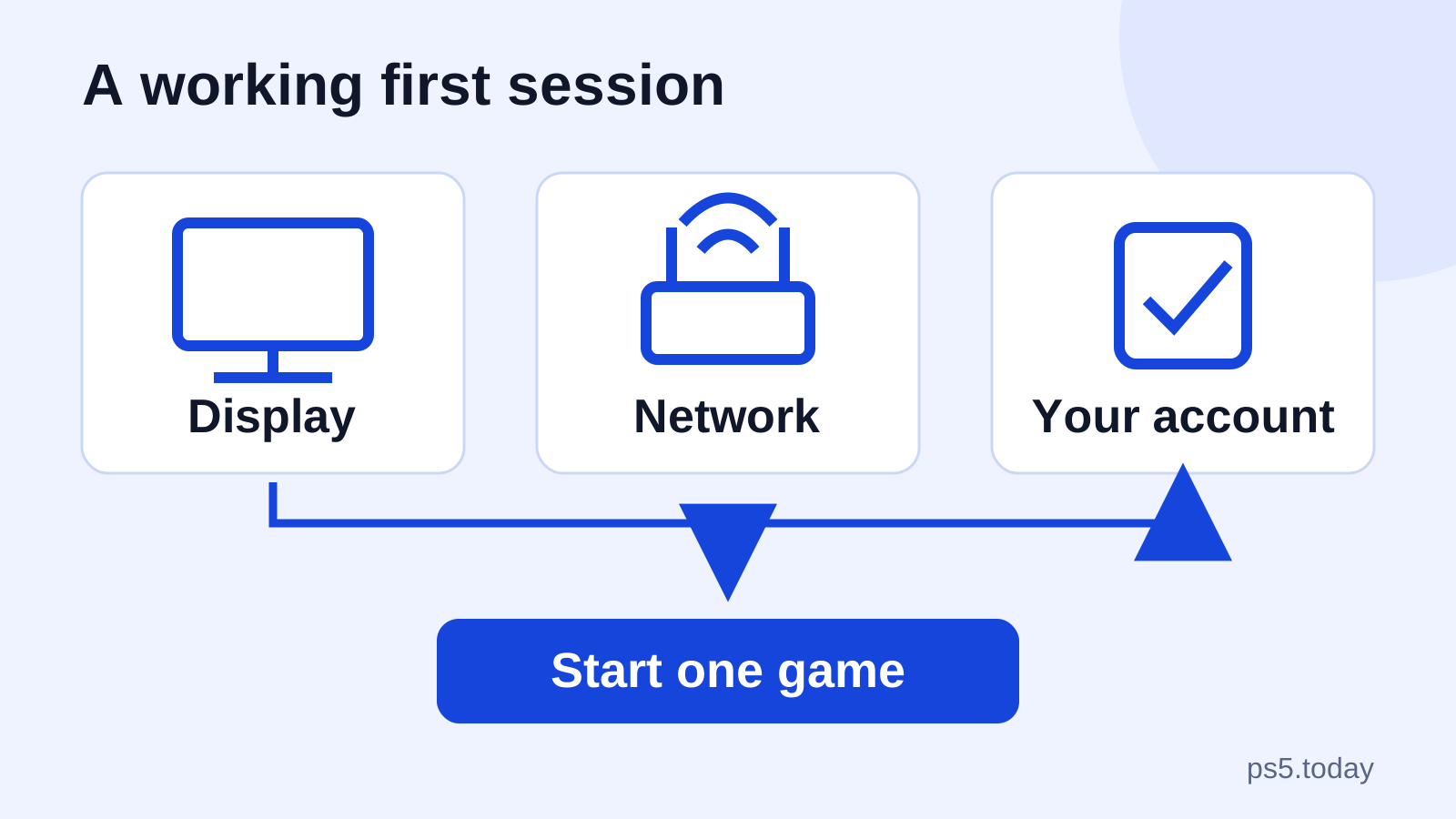
Once you have chosen the hardware, use our first-time PS5 setup guide to organize the connections, sign-in and first game. If a PS4 library is part of your buying decision, check backward compatibility, discs and upgrades before counting a title as ready to play.
Sources and references
Written by PS5 Today.
Something changed? Send a correction →