Console
PS5 first-time setup: get from the box to a good first session
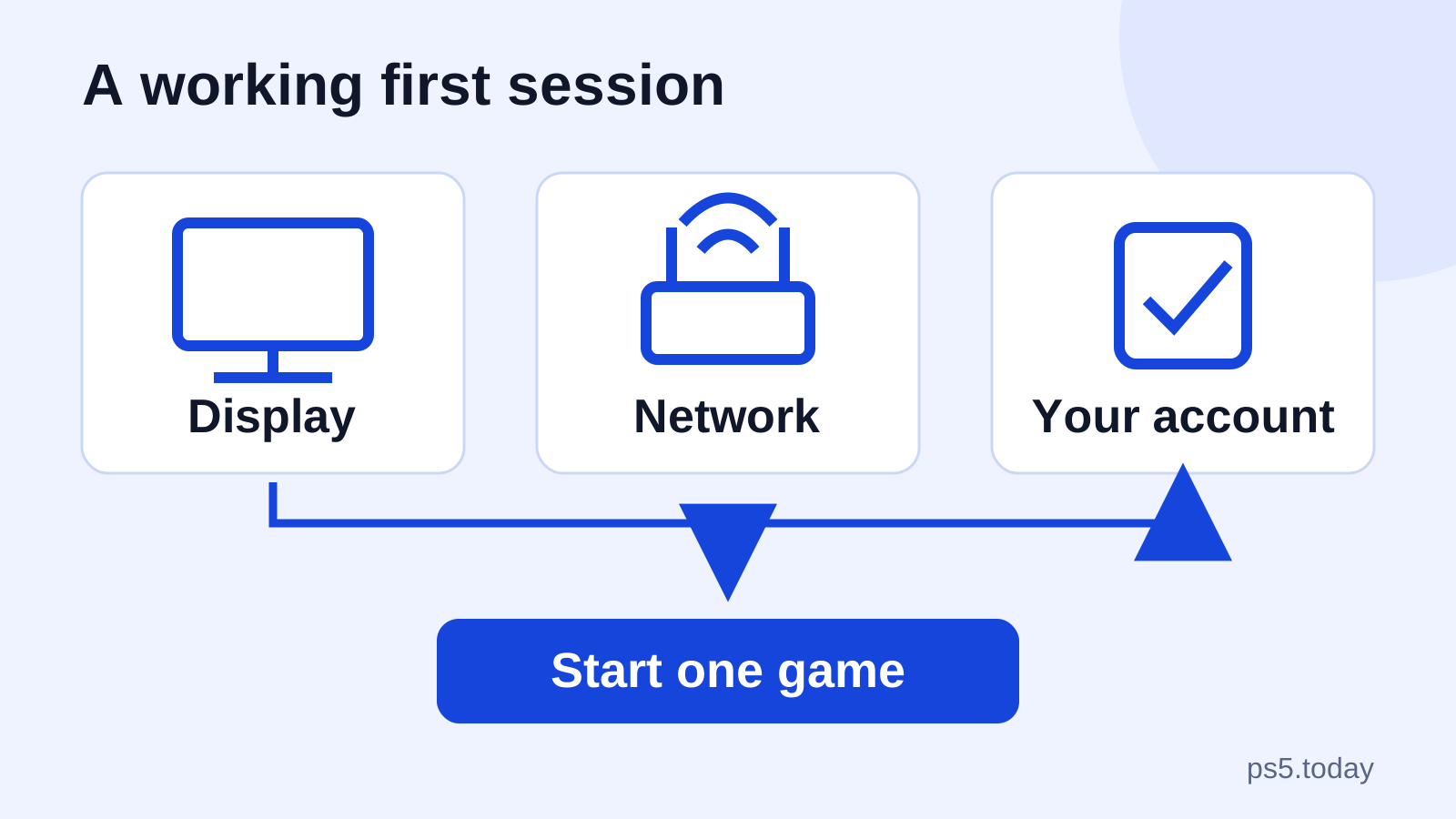
Set up your PS5 in the right order, keep your existing account and choose sensible display, family, download and power settings.
Read guideYOUR NEXT GOOD SESSION STARTS HERE
What matters on PS5, explained clearly. Games to try, choices to understand and fixes that get you playing again.
Find your next game Get to know your console →
THE GTA DESK
Scheduled for November 19, 2026. Understand the PS5 announcement, the code-in-box detail and what to check before spending.
Get the confirmed details ↗Still playing GTA V? Check versions and friends →START WITH THE RIGHT QUESTION
Set up your PS5 in the right order, keep your existing account and choose sensible display, family, download and power settings.
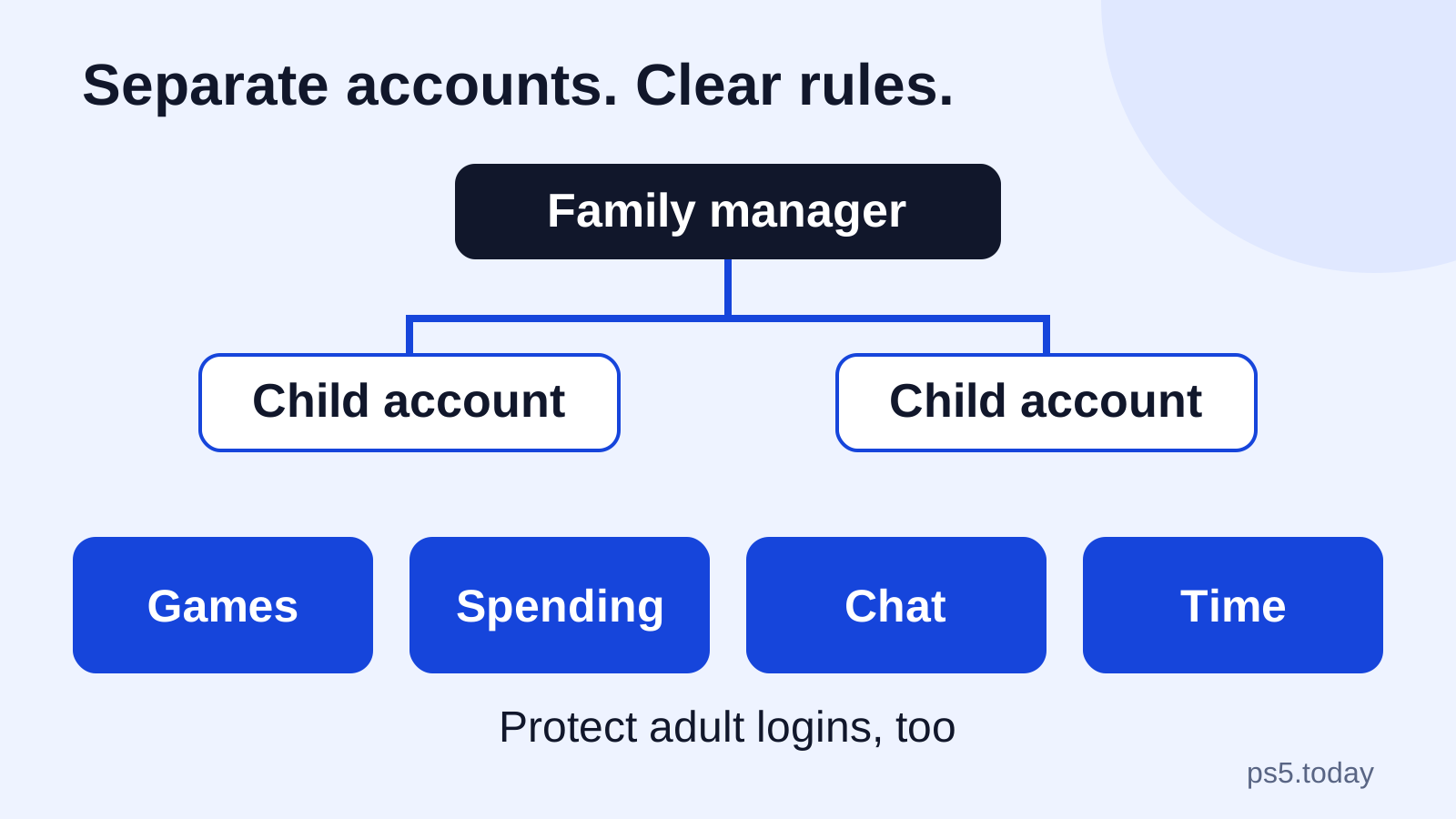
Read guideGive each child a separate account, control spending and communication, choose playtime rules and close the common gaps on a shared PS5.
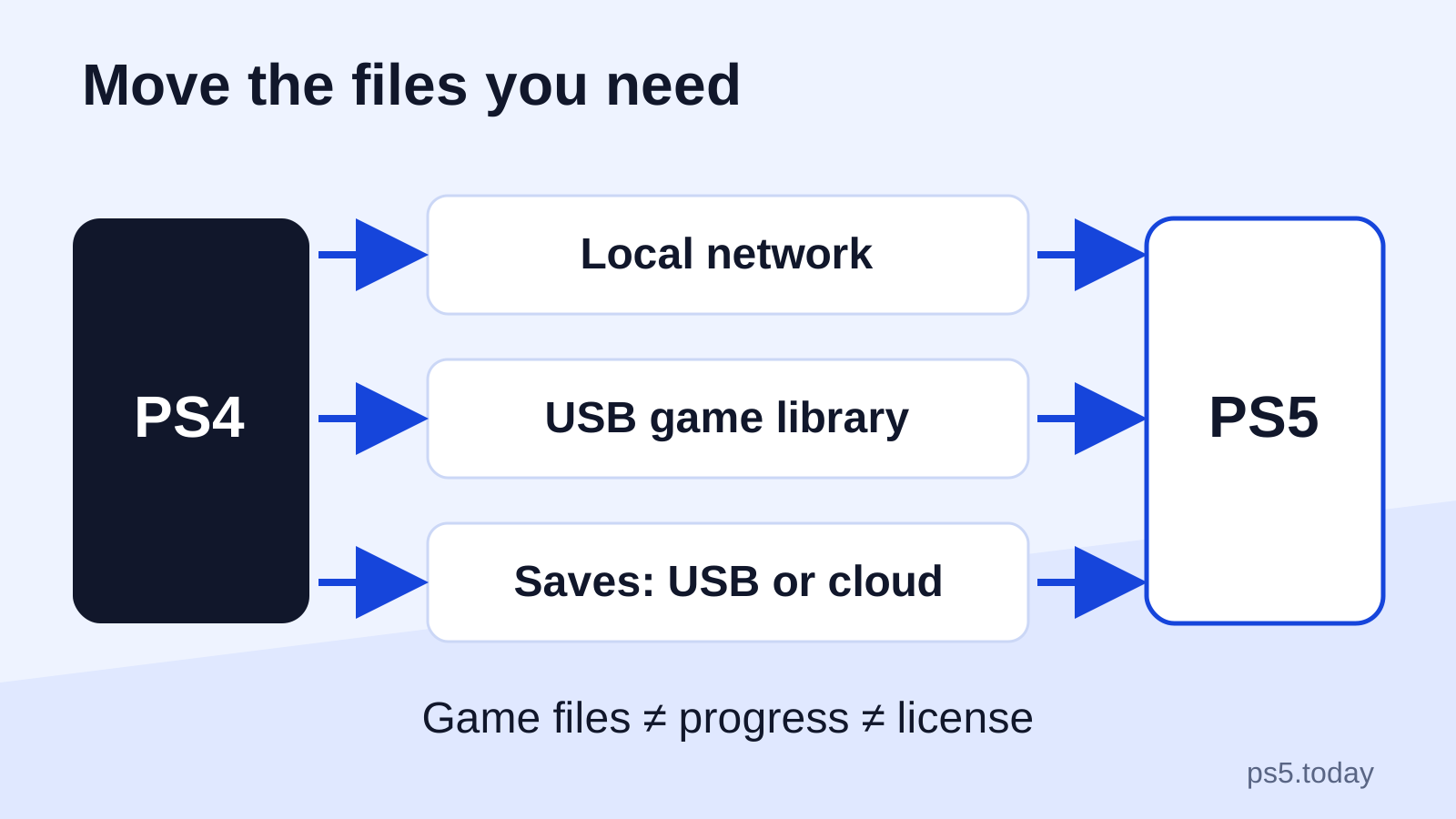
Read guideChoose data transfer, USB or cloud storage for your move from PS4 to PS5, with checks that protect progress and separate PS4 saves from PS5 upgrades.
Read guideSTRAIGHT TO YOUR TOPIC
Choose your next game, understand PlayStation Plus and find a session that fits.
02GTA VI announcements, buying details and practical GTA V guidance for PS5 players.
03Set up your PS5, move from PS4, get connected and work through picture, power and cooling problems.
04Controllers, storage and audio explained before you spend.
05Keep your account secure, manage family play and understand game access, codes and saved progress.
USEFUL RIGHT NOW
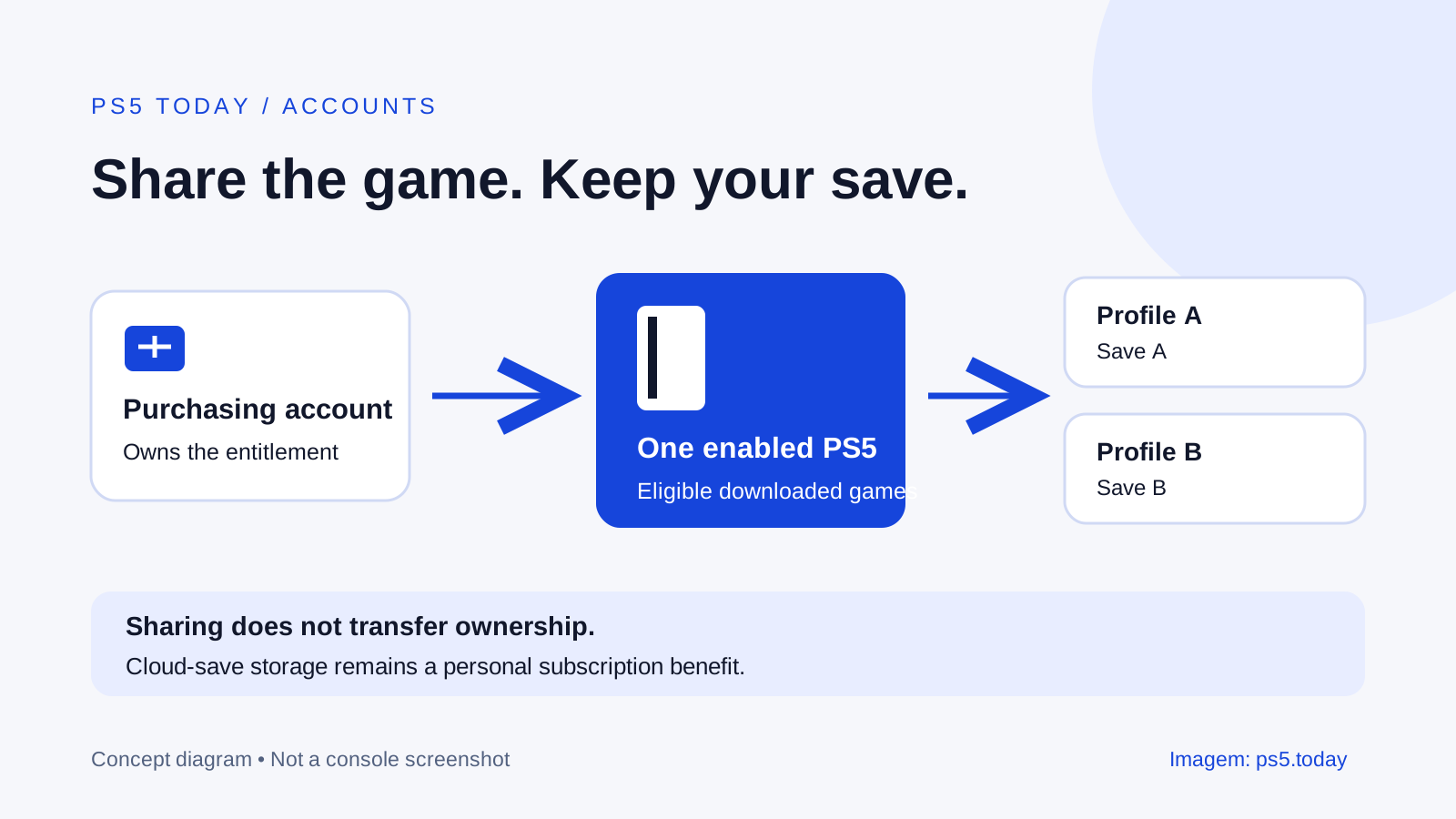
Let household profiles play eligible purchases on one PS5, understand offline limits, and avoid mixing up games, saves and subscription benefits.
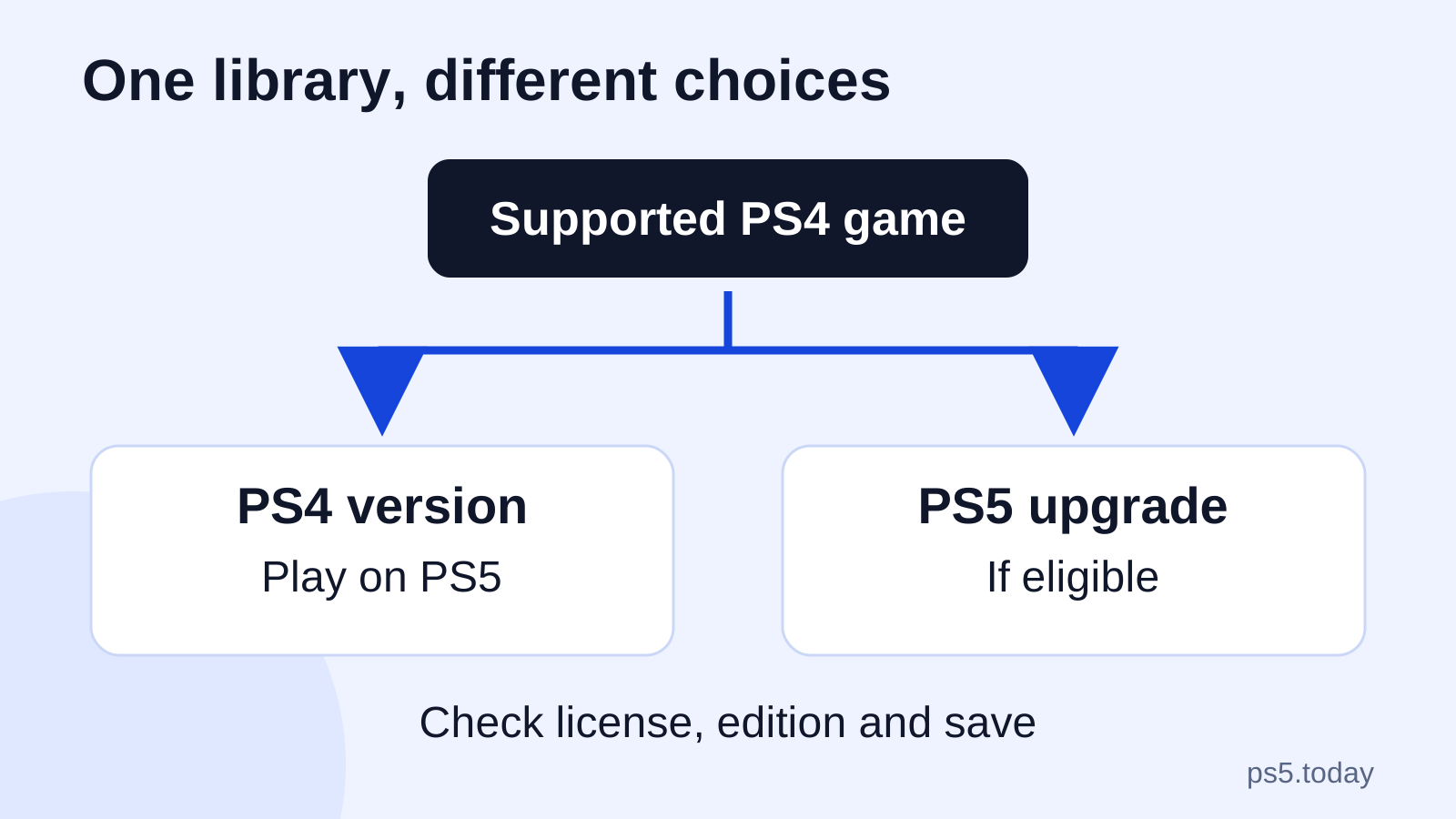
Read guideUnderstand PS4 discs, digital purchases, upgrades, saves and older accessories on PS5 before replacing games or buying extra hardware.
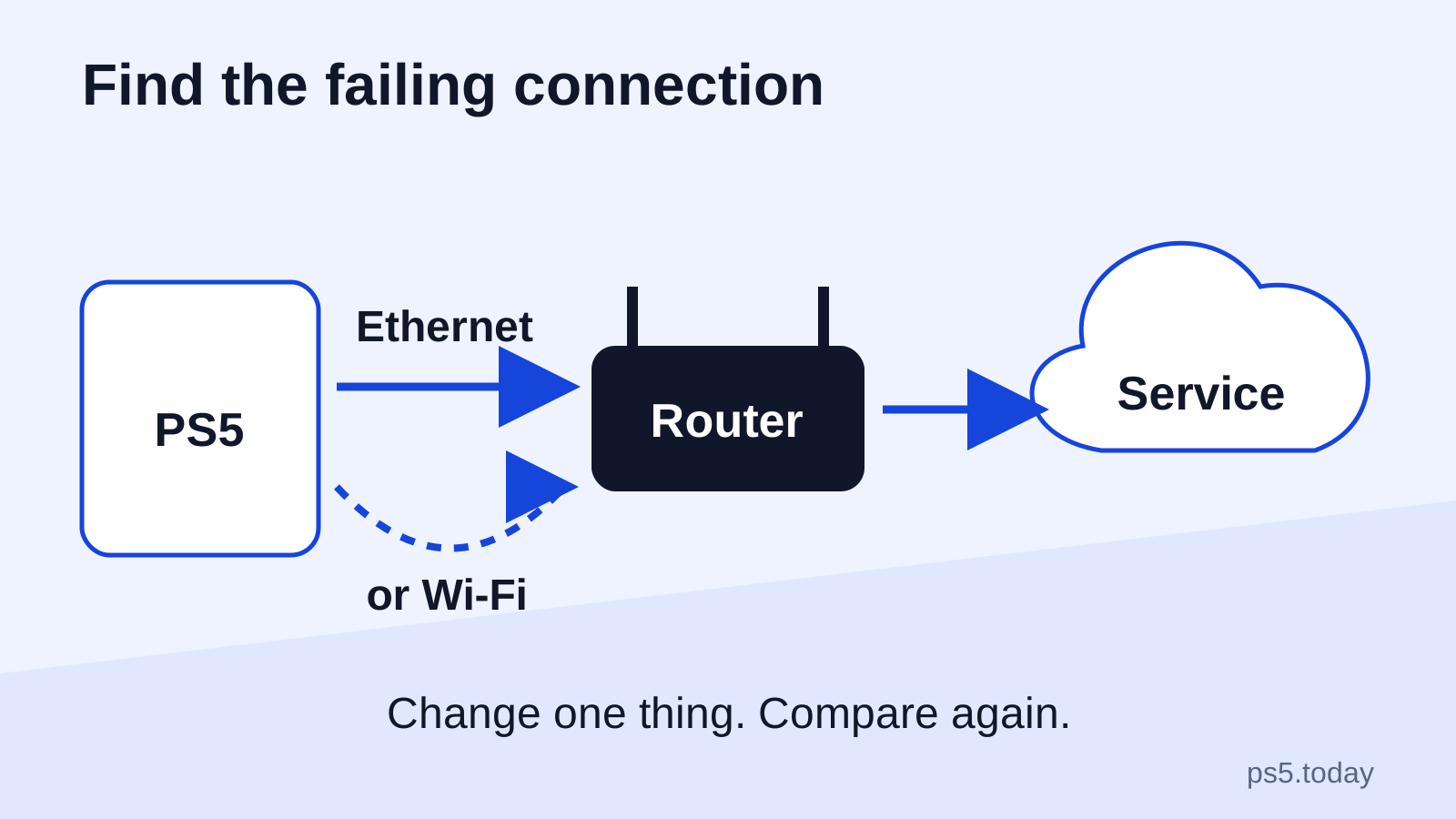
Read guideConnect your PS5, choose a practical wired or wireless setup and separate slow downloads, sign-in failures and online-game problems before buying equipment.
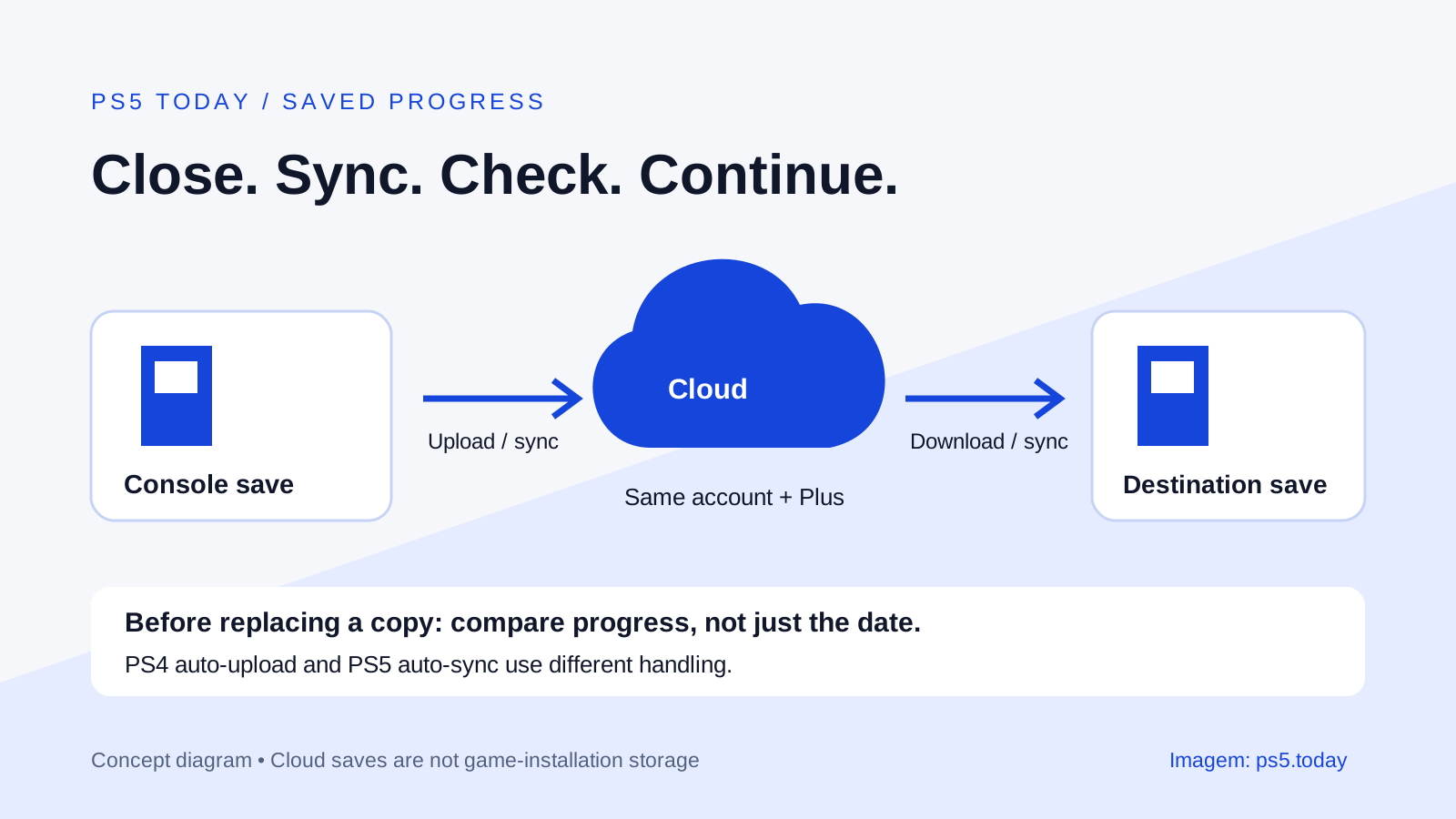
Read guideSet up PlayStation Plus save syncing, check the latest copy before changing consoles, and understand the different handling of PS4 and PS5 saves.
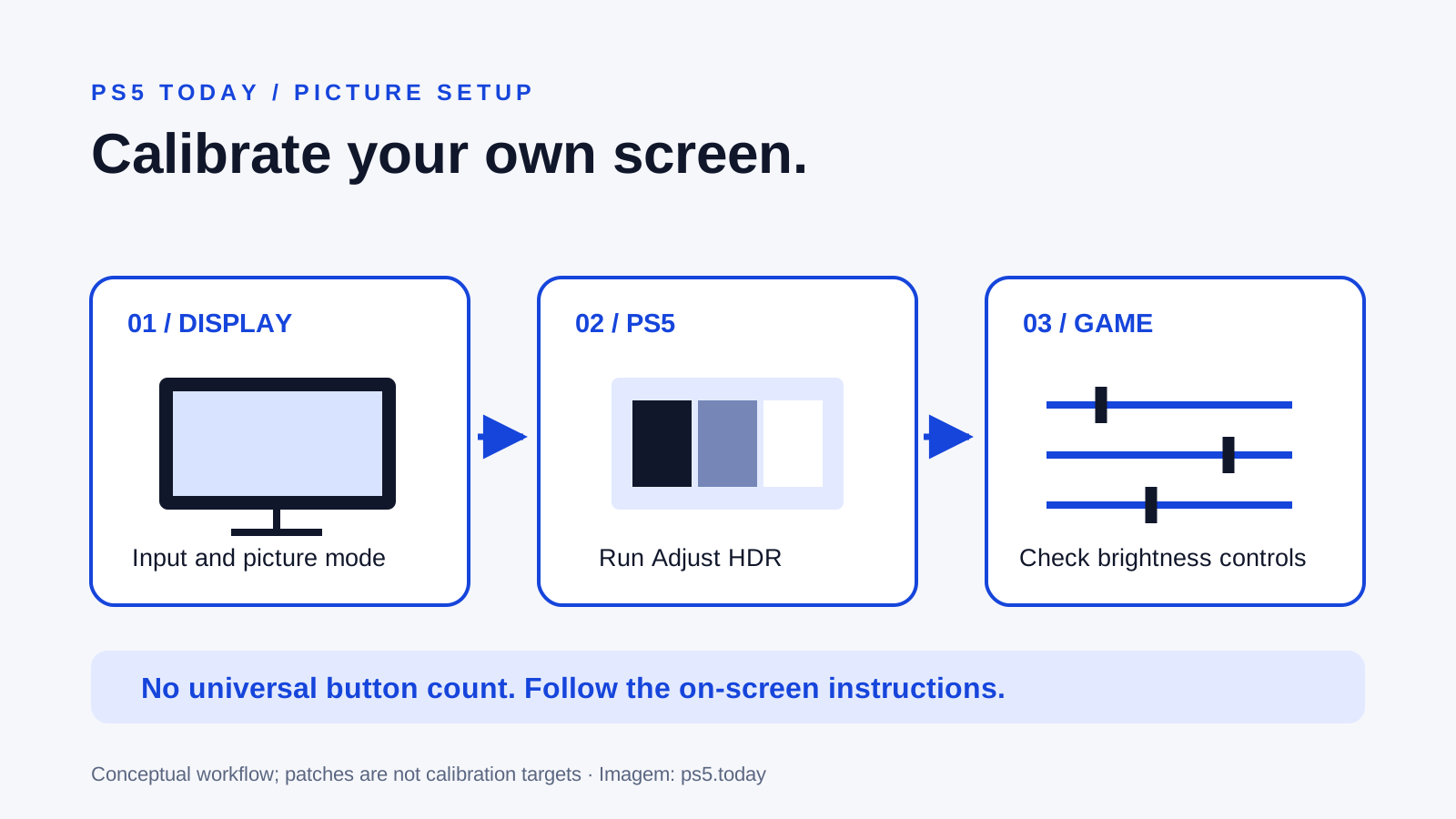
Read guideSet up PS5 HDR with your actual display, distinguish SDR from HDR and trace brightness problems without copying someone else's numbers.
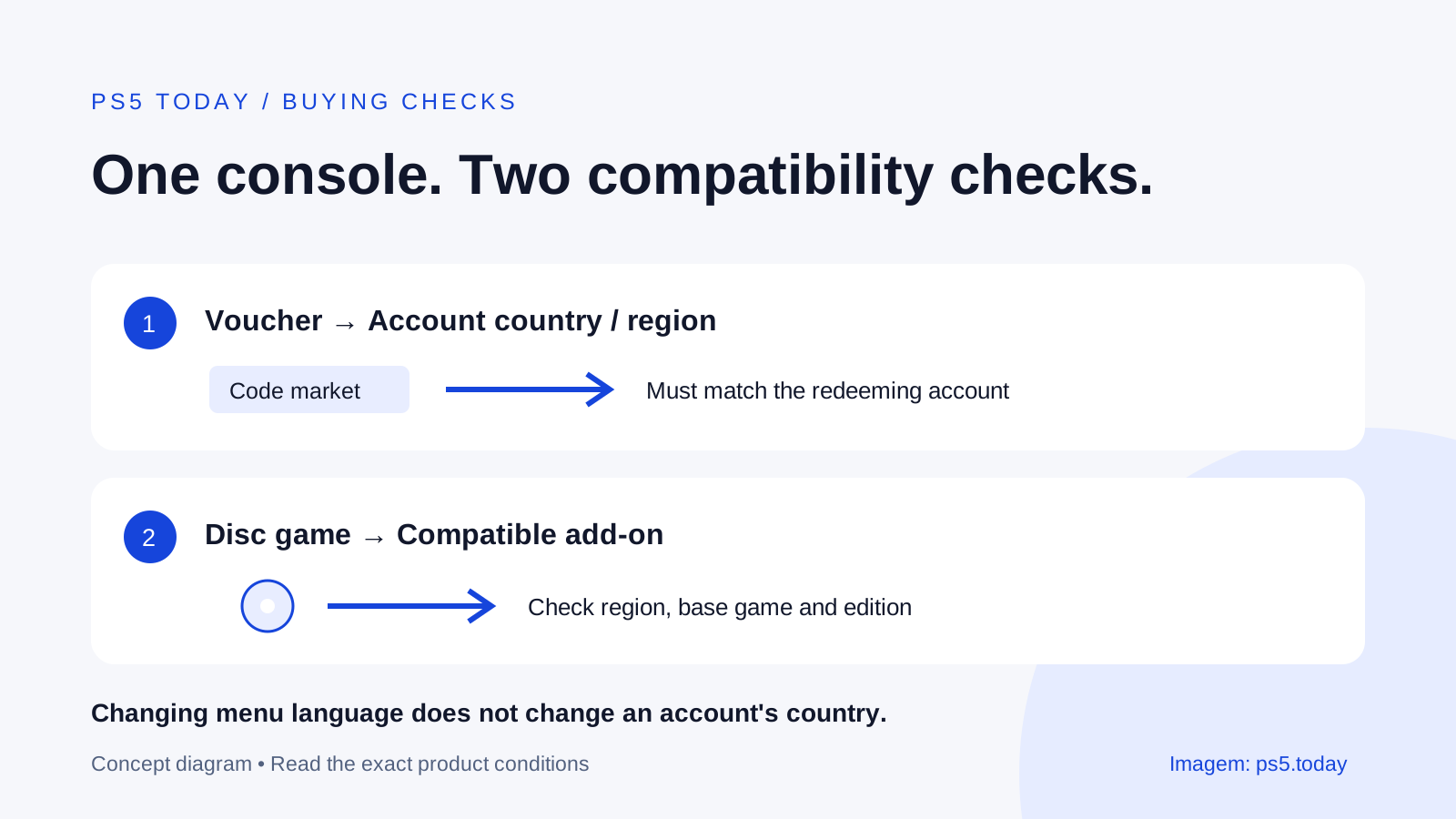
Read guideFind your PlayStation account country, match vouchers and add-ons correctly, and understand why moving countries does not change an existing account.
Read guide