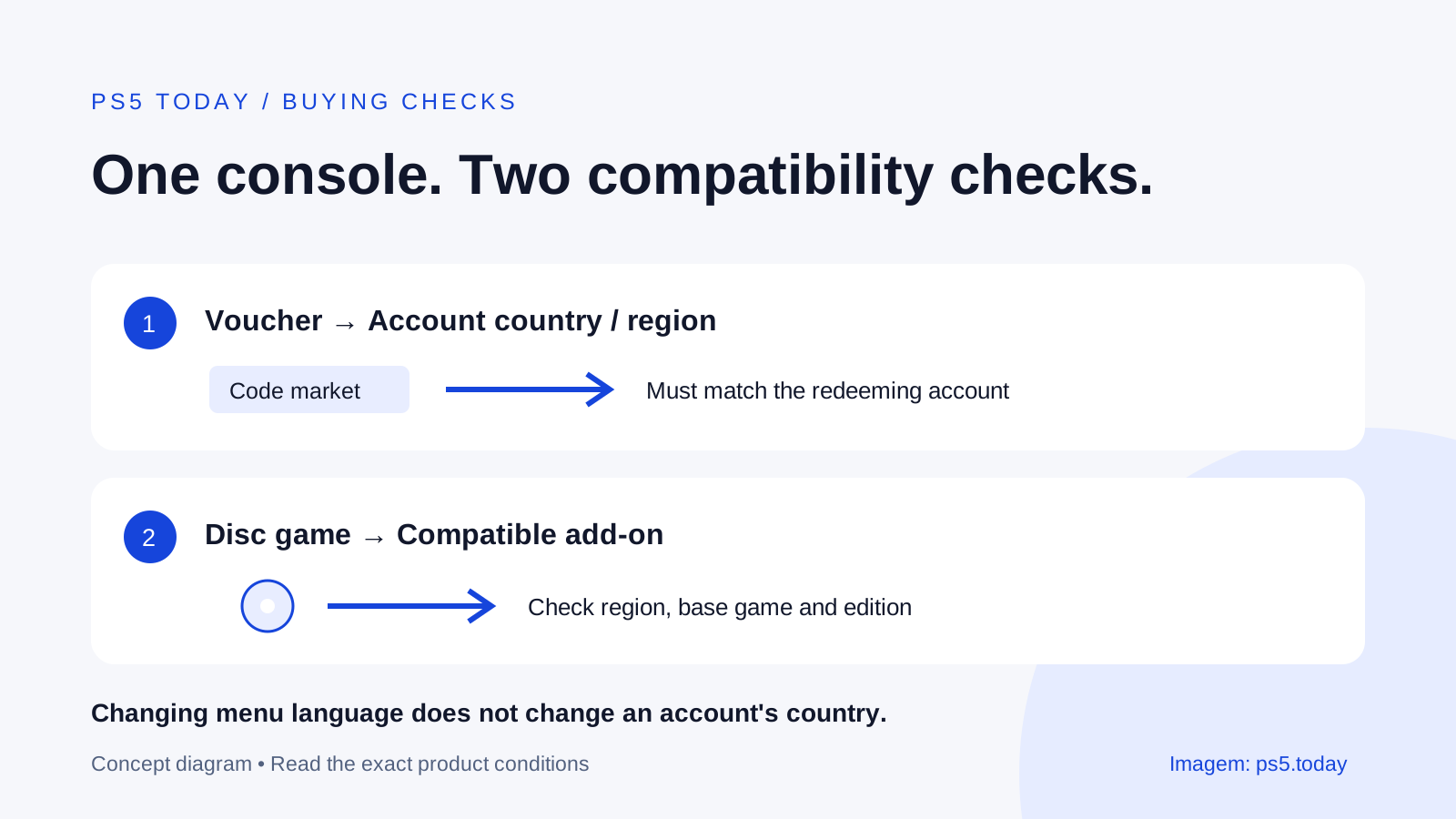
Your PlayStation account’s country or region must match a voucher’s supported country or region for redemption. Sony does not let you change an account’s country after creation. For downloadable extras, also check the game itself: an add-on bought from your account’s store must match the country or region of the disc game it is meant to extend.
Those are different checks. A console bought in one country, an account created in another, and an imported game box can all be part of the same setup. Looking at the console’s plug or the language of its menus will not establish that a particular gift card or expansion is suitable.
The cheapest-looking listing can become the more expensive purchase if its code cannot be redeemed or its expansion does not work with your copy. Before paying, match the actual account, product and edition. Do not rely on a retailer’s broad phrase such as “works on PS5” to answer all three questions.
Find the account country first
Sign into PlayStation Account Management on a device you control. Open Your Information, then choose Edit for Residential Address. Sony shows the account’s country or region at the bottom. In PlayStation App, open Settings from the Play screen, select Account Information and inspect the residential address information.
You are checking an existing account record, not choosing a new country from the website footer. Changing which version of the PlayStation website you browse does not migrate the account. The store’s displayed currency can be a useful clue, but the account information is the better place to establish the setting.
For example, Jordan lived in the United States when creating an account and now lives elsewhere. Selecting a different language on PS5 does not turn that account into a local account for the new country. Before accepting a gift card, Jordan needs the account’s actual recorded country, not the current mailing address printed on a delivery label.
When asking a retailer about compatibility, describe the country without sending private account details. A retailer needs to identify its product’s eligible market. It does not need your password, a sign-in QR code or a photograph of a complete redemption code to answer a pre-purchase question.
Read a voucher listing as a set of conditions
Check what the code contains: wallet balance, a specific game, an add-on or a subscription. Then read its supported countries, platform or edition restrictions, expiration conditions where stated, and any account requirements. The same packaging style can contain very different products.
Do not treat a reference to “North America” as an automatic promise about every country on the continent. Read the listing’s explicit supported countries. Likewise, a currency symbol by itself is not a complete region guarantee. If a seller has not specified the eligible market, ask before buying rather than using the redemption screen as a compatibility test.
A useful gift process is to ask the recipient which country’s PlayStation account they use and what they actually want. Wallet credit can be flexible only when the voucher matches the account. A code for a game already owned is a different problem from credit that cannot be redeemed.
Codes should also be redeemed on the intended account. Sony says funds and content cannot be transferred between accounts. In a household with several profiles, pause at the account name before confirming. The convenience of being signed into an adult profile is not proof that a personal game bonus belongs there.
Redeem without exposing the code
On PS5, open PlayStation Store, press triangle to access its menu, then choose More > Redeem Code. Enter the voucher and inspect the resulting product before confirming. You can also redeem through the account’s store website or PlayStation App.
Keep the code private. Anyone able to redeem a valid unused code may prevent its intended recipient from using it. If you need support, use the seller’s or PlayStation’s official channel and provide only the information requested through that channel. Do not post a readable code in a public forum with the question “why doesn’t this work?”
If the screen reports a problem, note the exact message and verify the account and product details. Repeatedly entering the same mismatched code does not change its market. Restoring licenses is useful for certain access problems after a valid purchase, but it does not convert an incompatible voucher.
For a wallet top-up intended to fund a child’s purchases, Sony directs families to redeem the top-up on the family manager’s account and use the child’s spending limit. Read our parental controls guide before deciding that a child needs an adult account to spend gift money.
Match DLC to the game you own
An expansion or other downloadable content, often shortened to DLC, adds something to a base game. That relationship requires more than matching the title printed in large letters. Check the supported game version, edition and country or region, especially with imported discs.
Sony specifically warns that a disc and an add-on cannot be used together if their countries or regions do not match. Inspect the small print on the back of the box, and ask the retailer for the disc’s licensed market if it is unclear. A photograph of the front cover may not answer this.
Imagine Casey owns an imported physical game and sees its expansion in the account’s local store. The base game launching normally does not prove that the expansion from that store is compatible. Casey should establish the disc’s market and the add-on requirements before purchase, rather than assuming successful installation will solve a mismatch.
Also distinguish PS4 and PS5 versions. Buying an extra for one version does not establish that every other edition receives it. Our PS5 backward compatibility guide explains why playing a PS4 game on PS5 is different from owning its native PS5 release. Check the exact product description for any cross-generation entitlement.
If the code was accepted but content is missing
First confirm that you are looking under the account that redeemed it. Check the transaction record and the product name. A season pass, currency pack and full game do not necessarily appear in the library in the same way. Some content is delivered inside the game rather than as a separate tile.
Next, check the required base game and version. For an add-on, inspect the game’s available content and the publisher’s instructions. Restarting the game or console may help content appear, but do that after identifying what you redeemed. Blindly reinstalling a large game is costly when the missing item was never a separate installation.
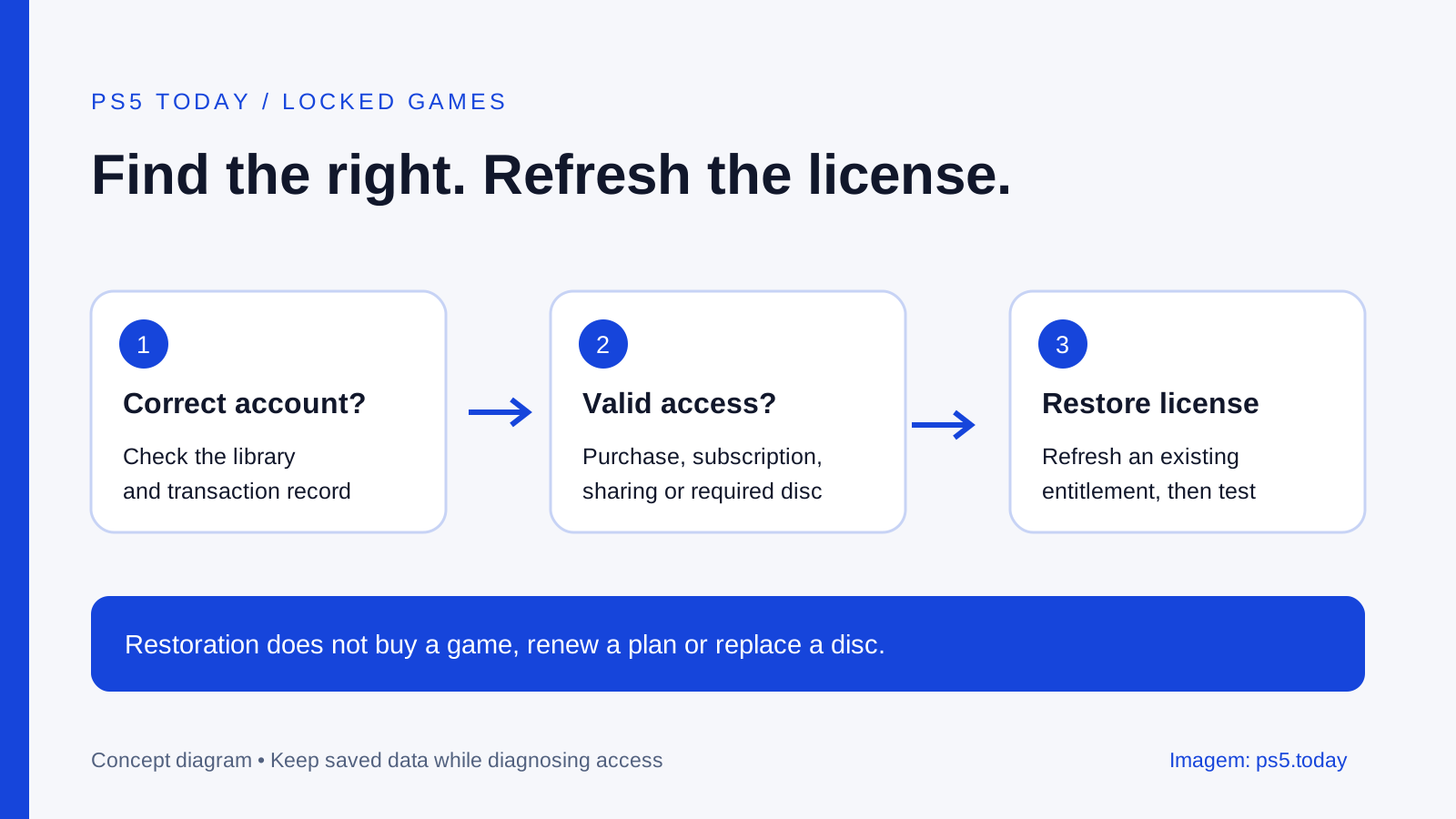
If a purchased entitlement is present but locked, follow the restore-licenses guide. If the account has no record of a successful redemption, keep the receipt and contact the seller or PlayStation. Those two situations need different evidence and should not lead immediately to buying the same item again.
Avoid creating a chain of extra accounts in the hope that one will accept the code. That can scatter purchases, saves and subscription benefits across accounts and make future troubleshooting harder. Solve the product mismatch with the responsible seller before committing more money.
Moving countries without abandoning your library
Because Sony does not change an existing account’s country, moving raises practical questions about billing, local services and future purchases. Keep access to the original account while you investigate the options available through official support. Creating another account does not merge the original library or its wallet into the new one.
Make a small inventory of what matters: which account owns key games, which subscriptions are active, where saves live, and which discs came from other markets. This is useful household information even without an international move. It prevents a later purchase from being made on the wrong profile just because that profile happened to be open.
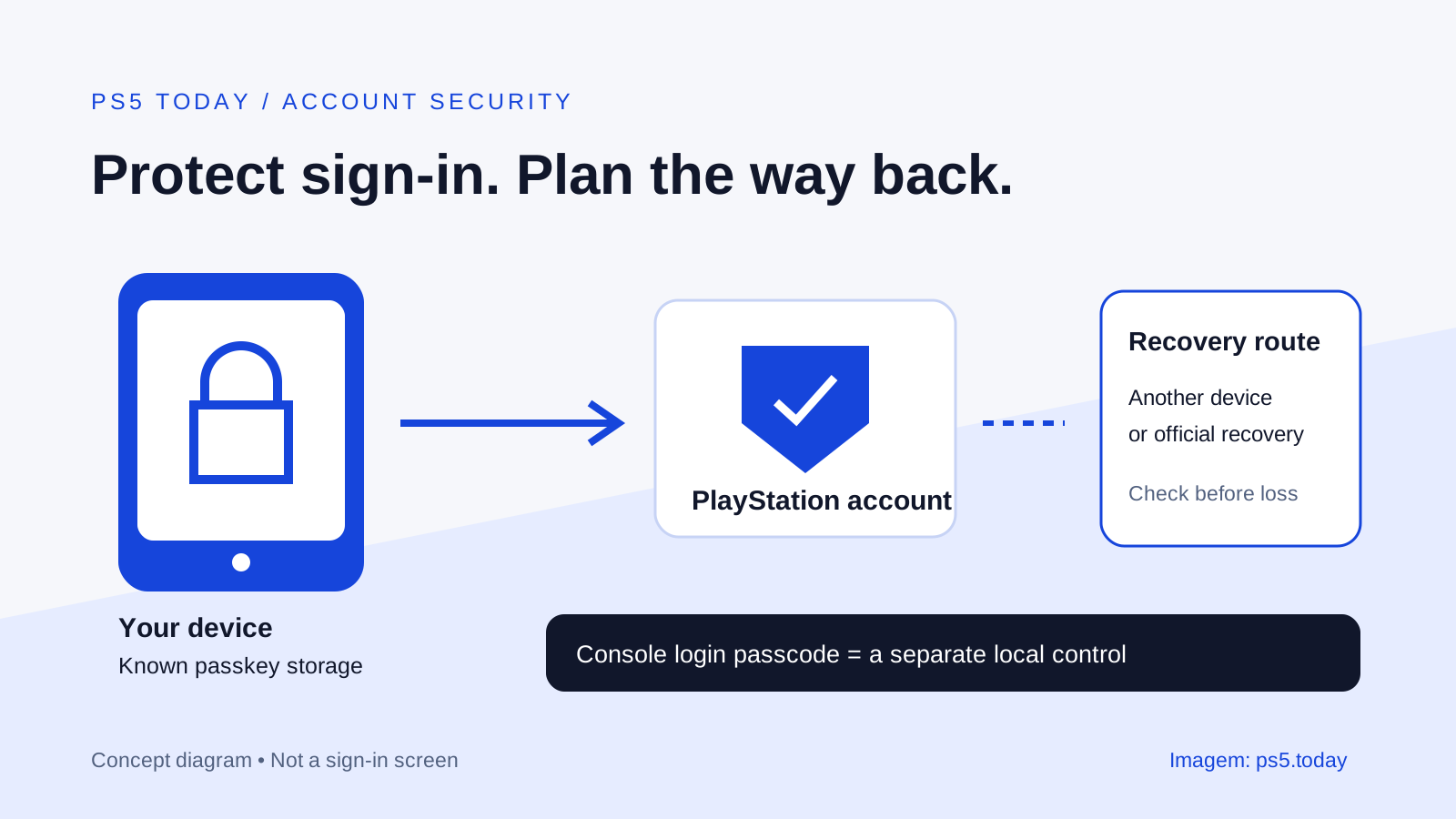
Protect the accounts with a passkey and a recovery plan. For shared household access, use Console Sharing and Offline Play within its supported limits. Sharing can help people use eligible purchases on the chosen console; it does not rewrite a product’s country restrictions or move ownership between accounts.
The best purchasing habit is short: identify the account country, identify the product’s supported market, match the base game and edition, and confirm the intended redeeming account. Do those checks before comparing the final price. Compatibility is part of the product you are buying.
Sources and references
Written by PS5 Today.
Something changed? Send a correction →