PS5 plays the overwhelming majority of PS4 games, but backwards compatibility is not a promise that every old PlayStation disc, accessory or saved-data format works. For a PS4 game, check four things: whether the title is supported, whether you have its disc or digital license, which version you want to play, and how you will bring across your progress.
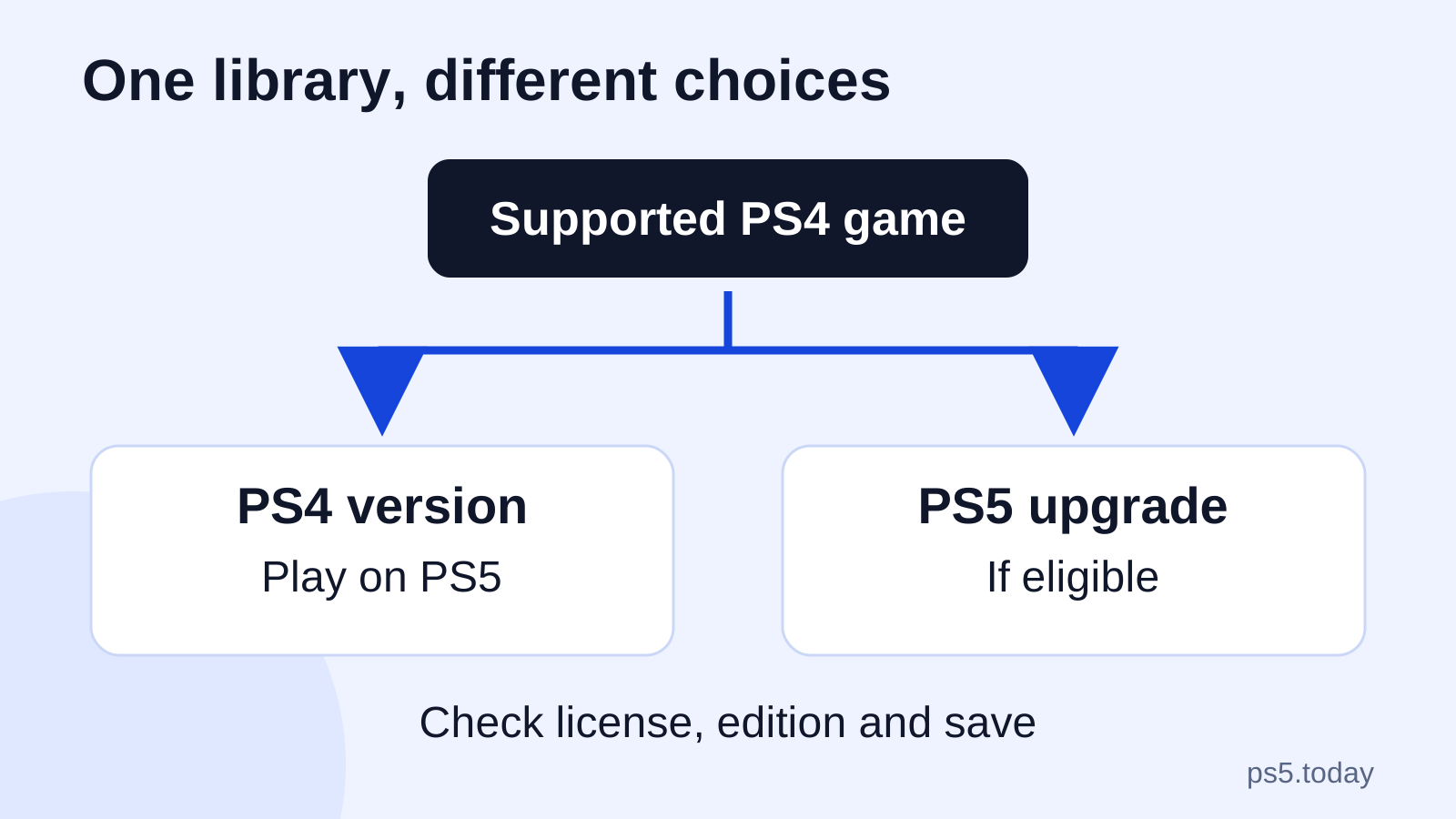
You normally do not need to buy a PS5 edition simply to continue a supported PS4 game. Running the PS4 version on a PS5 and upgrading to a separate PS5 version are different choices. The second may bring different features, terms and save-transfer requirements; it is not an automatic result of putting the old game in a newer console.
This guide helps you inspect the library you already have. It does not assume that a supported title receives a particular resolution, frame rate or visual improvement. Those depend on the game, its updates and the available modes.
Start with the version and the license
Read the platform label on the game page rather than relying on familiar cover art. A PS4 game installed on PS5 remains a PS4 version. A product sold as PS4 and PS5 may include both, while another offer may provide only one. Similar titles and shared artwork can hide this difference during a hurried purchase.
Then identify how you own it. A disc, an outright digital purchase and access through a subscription are three different arrangements. An installation copied from another machine does not tell you which applies. If you cannot establish the entitlement, downloading the same files again is unlikely to answer the real question.
For example, a player who purchased a PS4 adventure digitally should first look in the owning account’s library. Someone who borrowed the disc should keep access to that disc. Someone who played through a catalog should check the subscription and current availability rather than treating a previously installed copy as a permanent purchase.
PS4 discs need a compatible PS5 disc drive
For a supported PS4 disc game, insert the disc in a PS5 with a compatible disc drive, install it and keep the disc inserted when playing. The installed files do not replace the disc’s role. An update may also need to download before the game is in the state you expect.
If your console has no drive, a PS4 disc cannot be redeemed merely by typing a number printed on the case. Compatible detachable drives apply to Sony’s specified CFI-2000 and CFI-7000 model groups, not the original digital-only model. Check the exact console before deciding that a drive purchase is an option.
This distinction changes the value of an existing library. A shelf of disc games makes drive compatibility relevant to your hardware choice. A library that is already digital does not create the same need. Our which PS5 to buy guide explains that buying decision more broadly.
Digital games follow the owning account
Sign in with the account used for the original purchase. On PS5, open Game Library > Your Collection, select the game and choose the available download. If a game is missing, check that you did not sign in with another household member’s account or create a replacement account during setup.
If you own both platform versions, examine the version selector before downloading. Installing both can be reasonable when you are checking a save import, but it is unnecessary if you only intend to use one. Be deliberate so that a storage problem does not begin with two editions installed by accident.
A padlock points toward an access problem rather than proving incompatibility. Our restore-licenses guide covers the account and entitlement checks. For other household users, Console Sharing and Offline Play explains eligible local access. Neither topic changes an unsupported title into a supported one.
A PS5 upgrade is an offer for a specific game
Some eligible PS4 purchases can be upgraded to a digital PS5 version. The terms vary: an upgrade can be free or paid and may be time-limited. Read the actual offer in the game hub before assuming an upgrade exists for your edition.
For an eligible disc upgrade, you still need the original PS4 disc inserted to play the upgraded version. Account region and disc region must also match for the upgrade route described by Sony. Our account-region and codes guide explains why importing a cheaper copy can create a different purchasing decision from buying a local edition.
Consider what you actually gain before paying. If the existing version looks and plays comfortably for you, continuing it may be sensible. If the native version offers a feature you care about, compare that benefit with the upgrade terms and save-import process. This is a decision about that game, not a rule that every PS4 owner should buy it again.
Saved progress needs its own check
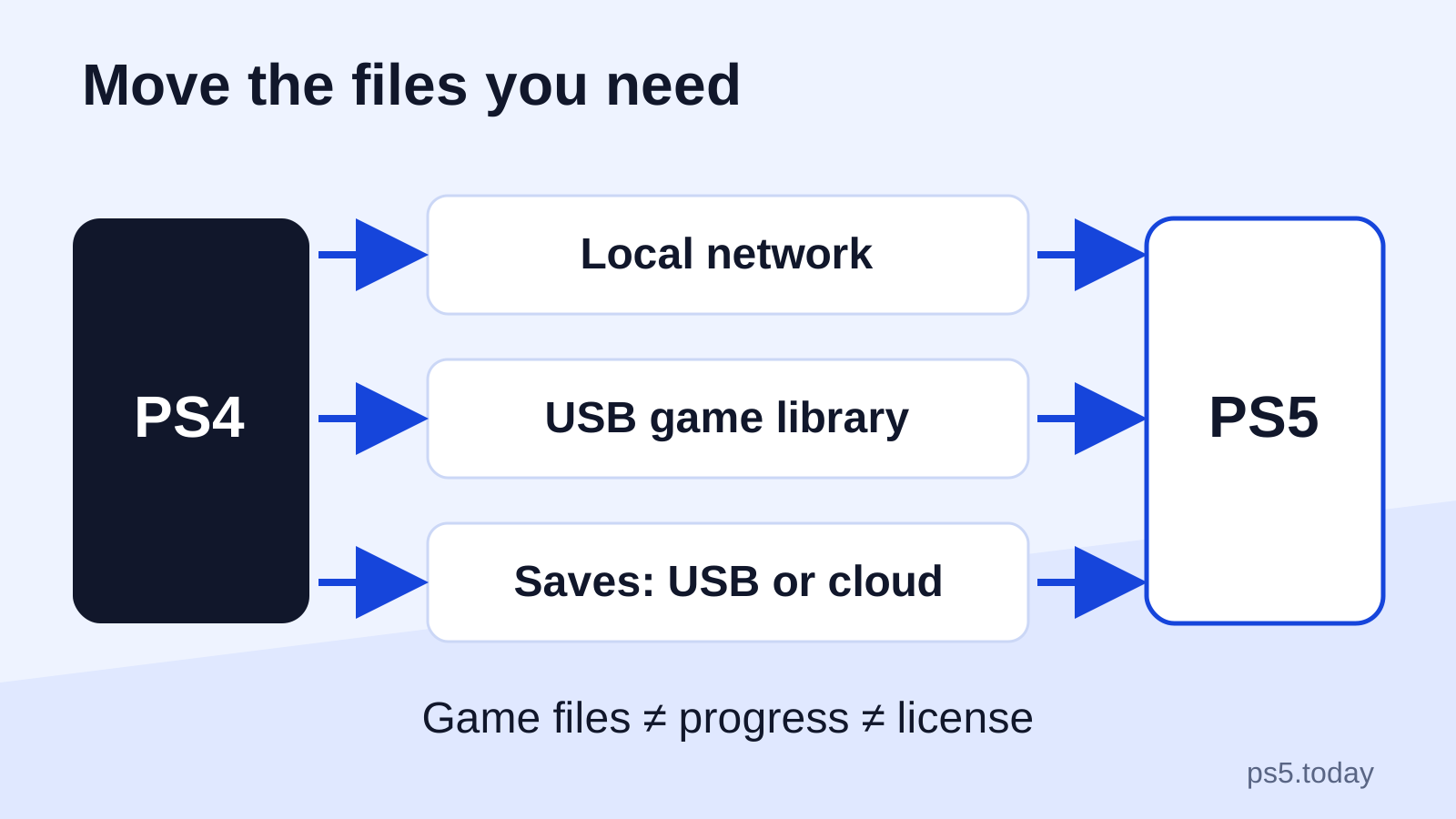
Installing a game and moving its save are separate tasks. A supported PS4 version can use the appropriate PS4 saved data after you transfer it, but a distinct PS5 edition may require a publisher-specific import. Do not delete the original installation or save until you know whether it is needed for that process.
Use our PS4-to-PS5 transfer guide to choose between console transfer, PS4 USB save copying and subscription online storage. In each case, verify the account as well as the file. A save belonging to one household user does not become another user’s campaign just because both use the same console.
An effective check is concrete: load the game and confirm a known chapter, character level, inventory or career result. A file date can tell you which copy was written later, but it cannot tell you whether that is the adventure you wanted. Do this before selling or resetting the old system.
Improvements are game-specific
Sony says selected PS4 games benefit from Game Boost, potentially providing a higher or smoother frame rate. That is not a universal promise of 60 fps, 120 fps or a new image-resolution mode. A game can be compatible while retaining limits built into its PS4 release.
Avoid treating the television’s refresh-rate label as a measurement of the game’s output. Likewise, a smoother menu or faster installation does not prove that every gameplay scene has changed. Use the game’s own current documentation and available settings when judging an improvement.
If your goal is simply to continue a story, test that experience first. If your goal is a particular graphics feature, establish that the exact edition and update support it before buying. For GTA’s separate editions and multiplayer implications, the GTA V PS4 versus PS5 guide gives the narrower answer.
Storage and accessories deserve separate decisions
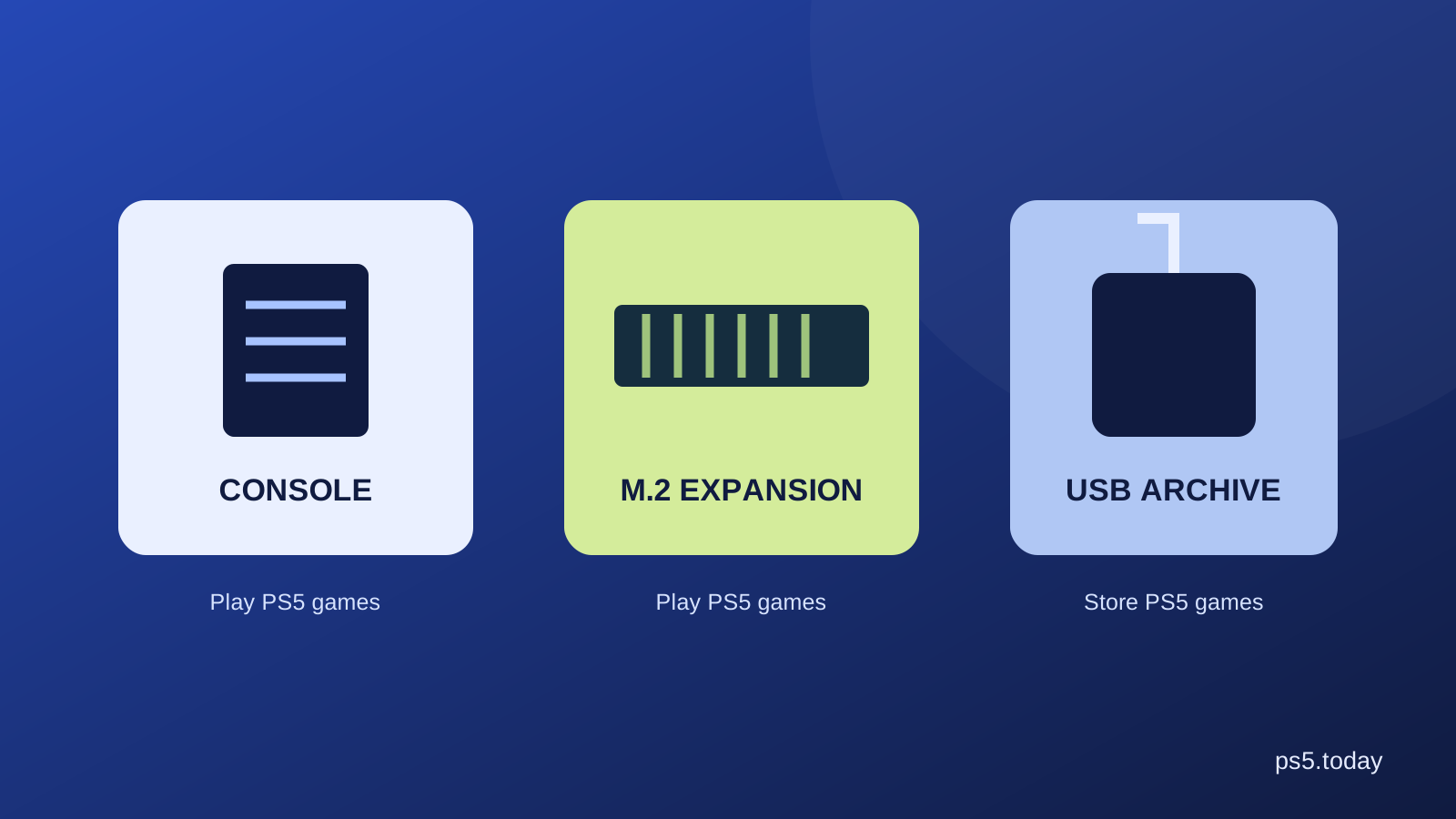
Supported PS4 games can run directly from compatible USB extended storage on PS5. That can preserve internal space for native PS5 games. An existing PS4 extended-storage drive may therefore be useful without purchasing a new internal SSD. See PS5 storage explained for the limits before moving files.
Controller support follows the game generation and the device. Sony lists DualSense and DUALSHOCK 4 among the options for supported PS4 games, while compatibility for specialty and third-party equipment needs an exact product check. Keeping a working old controller for the right PS4 game can be sensible; assuming every device works with native PS5 games is a different claim.
For audio, inspect the connection and supported functions rather than replacing equipment based only on age. Our headset compatibility guide explains the common routes. An accessory might deliver ordinary sound while lacking a former companion app or another extra feature, so define what you need it to do.
Original PS VR and PS VR2 are different systems
A PS5’s ability to run supported PS4 games does not make original PS VR software work with a PS VR2 headset. Sony explicitly separates the two VR libraries. A title with editions for both systems needs the correct edition and hardware for the mode you intend to use.
For an existing original PS VR collection, check the headset, camera, adapter and controller requirements for that setup. Do not assume the newer PS5 camera replaces the older camera required by original PS VR. Check the actual availability and condition of required parts before purchasing an incomplete secondhand bundle.
This is especially relevant when a seller lists only “works with PS5.” That description does not tell you which VR headset, camera or game version is included. Ask the product listing to resolve each component rather than filling the gaps with assumptions.
Older PlayStation discs are not a general shortcut
Sony’s PS5 FAQ distinguishes PS4 backwards compatibility from original PlayStation, PS2 and PS3 games. PS5 does not provide general disc compatibility with those earlier libraries. A classic title offered through a modern store release or a subscription is a separate product or service route, not proof that its old disc will install.
Before paying for a classic, identify whether the current listing offers a download, streaming or another edition, and whether that route is available to your account. Our PlayStation Plus tiers guide helps separate subscription benefits. Owning a physical classic and accessing a service version are different arrangements.
Check one game before buying replacements
Take one title that matters, confirm its support and license, install the intended version, move its save and play a short session. That sequence reveals whether your real obstacle is compatibility, access, progress or hardware. Each has a more targeted answer than replacing the whole library.
Repeat for the titles you value most. Keep the old console or relevant components until those checks are complete. Backwards compatibility is useful because it preserves choices: continue an existing version where it works well, upgrade where a specific benefit is worth it, and buy new hardware only when the intended experience requires it.
Sources and references
- PlayStation Support: PS4 games playable on PS5.
- PlayStation Support: download games and choose versions.
- PlayStation Support: eligible PS4-to-PS5 upgrades.
- PlayStation Support: transfer games and saved data.
- PlayStation Support: USB extended storage.
- PlayStation Support: PS VR2 compatibility.
- PlayStation Blog: PS5 FAQ, including older-generation compatibility.
- PlayStation Support: detachable disc-drive model compatibility.
Written by PS5 Today.
Something changed? Send a correction →