PS5 Pro is worth considering when you care about improved image quality in supported games, have a screen and viewing setup that let you appreciate it, and can comfortably afford the complete upgrade. If your existing PS5 already gives you the experience you want, there is no need to replace it simply because a more powerful model exists.
For a first-time buyer, the question is how much extra the Pro setup costs over a suitable standard PS5. For an existing owner, the question is what new benefit you receive after spending money to replace working hardware. Those are different decisions and should not be answered with the same blanket recommendation.
Sony describes Pro’s graphics capabilities, PlayStation Spectral Super Resolution and supported enhancements on the official PS5 Pro page. This guide turns those capabilities into buying questions. It does not claim hands-on testing, universal frame rates or a fixed percentage improvement across games.
Understand what an enhancement means
Game-specific support matters. A console feature can create opportunities for developers, but the result depends on how each game uses it. Look for the current information for the title and version you play, rather than assuming every game gets the same new mode.
An improved picture can involve several things: reconstructed detail, different effects, a revised balance between visual quality and smoothness, or steadier performance in a supported situation. These outcomes should be compared in context. A single screenshot is helpful for some differences and poor evidence for motion or consistency.
When a comparison matters to your purchase, watch ordinary gameplay as well as zoomed-in crops. Ask whether you notice the difference at the distance you sit. If a change is visible only when you pause a magnified video, decide honestly how much that matters to your own enjoyment.
Existing owners need a stronger reason
Your current console’s purchase price is already spent. The Pro decision is about additional spending now, including any accessories and the value of the old machine if you sell it. Compare the cost you actually face rather than treating the original PS5 as though you can return it at full price.
Make a short list of games where you want a specific improvement. If the list is empty and the machine works well, waiting is a reasonable choice. You can revisit the question when a favorite game offers an enhancement you genuinely want or when you need to replace the hardware for another reason.
Avoid turning dissatisfaction with storage, networking or controller reliability into a graphics upgrade by default. A compatible SSD, a better connection arrangement or a repaired accessory may solve the real problem more directly. First identify what is making your current setup inconvenient.
First-time buyers should compare complete packages
Compare a standard PS5 that suits your game format with the complete Pro arrangement you would use. Include the compatible drive if you need discs, any required positioning accessory and the games you intend to buy. Do not compare a fully equipped bundle with a bare console price.
Sony’s Pro getting-started article explains setup and the optional disc-drive arrangement. Check the current exact listing as well, since bundle contents and retail offers change. A product-family description does not establish what a particular seller includes today.
If the extra spending is comfortable and you value supported visual improvements, Pro can be an attractive starting point. If it would consume the budget for games or a suitable screen, a standard model may deliver a more balanced overall experience. Buying the premium console is not the only way to avoid regret.
Your screen and seating position matter
Consider screen size, resolution, supported HDMI features and where you sit. A detail improvement that is obvious at a desk may be less important across a living room. Text readability, motion comfort and the screen’s game mode can matter as much as a headline specification.
Do not assume Pro repairs a display limitation. If your screen cannot accept a particular signal or your connection path limits it, the relevant bottleneck remains. Our 120 Hz guide explains why the game, display, settings and connection all need to support the intended arrangement.
You may find that using your existing television’s correct game mode improves everyday comfort more than you expected. Set up the equipment you already own properly before judging whether it needs replacement. This gives you a fair baseline for any later upgrade.
Do not buy on an unconfirmed GTA VI promise
GTA VI is a major reason many people are considering PS5 hardware. It is still important to distinguish confirmed platform support from a specific performance promise. A claim that a future release will definitely run at your preferred frame rate needs product-specific evidence.
If GTA VI is the only reason you are upgrading a working PS5, there is value in waiting for the details that settle your actual question. A launch date and a description of immersive features do not establish every graphics mode. See the current confirmed GTA VI information before making the purchase depend on a rumor.
For a new buyer, you can compare Pro against standard PS5 on the wider library you plan to use. That is a more resilient decision than spending everything around one unverified claim. An enjoyable setup should still make sense if one anticipated feature turns out differently.
Storage capacity is valuable only in context
More built-in space can reduce how often you manage installations, but check the exact console and your own habits. Someone with a small rotating library has a different need from a household that keeps several large games ready. Storage capacity and graphics performance should have separate values in your comparison.
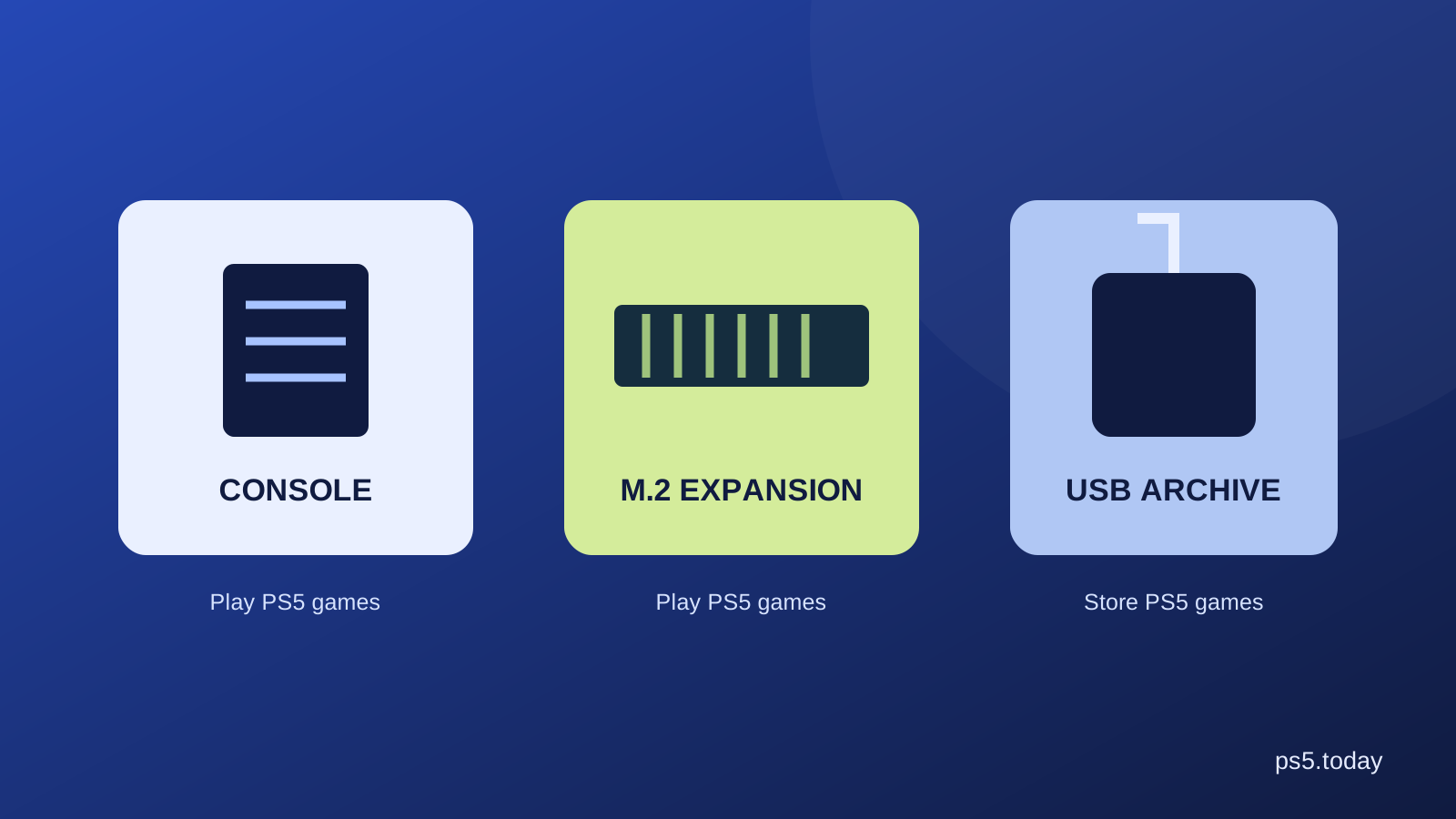
If your standard PS5 mainly needs more playable space, a compatible internal M.2 SSD may be a more targeted purchase. It does not turn the console into Pro, but it addresses the shortage directly. See PS5 storage explained before replacing an entire machine to solve a drive-space problem.
Also consider your connection. If reinstalling is quick and you rarely switch games, managing existing space may be sufficient. If downloads are slow and several people use different games, extra capacity can remove daily inconvenience. Pay for the benefit you will notice rather than a specification that remains unused.
Think about the cost of changing machines
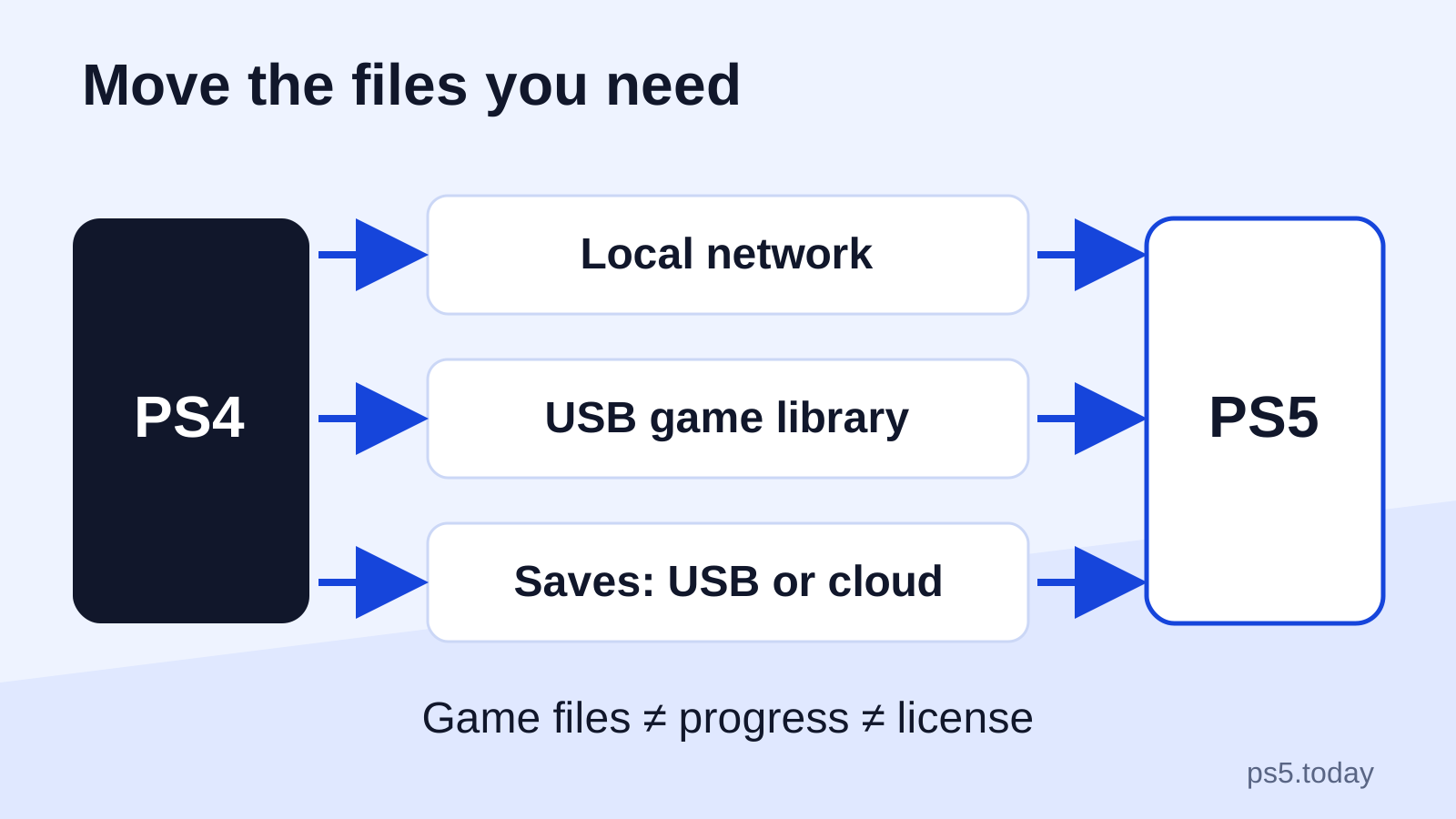
An upgrade involves more than carrying a new box home. You may need to transfer or download games, verify saves, arrange the old console’s sale and reset it safely. Keep access to your purchasing account and confirm important progress before removing the old setup.
If you sell the old console, describe its condition and included accessories accurately. Do not count an optimistic sale price as guaranteed money in the upgrade budget. Shipping, fees and the time involved can change the actual difference.
If you keep both machines, think about who will use them and how accounts and supported sharing work. An extra console can be useful in a household, but that is another benefit to evaluate explicitly. It should not become an after-the-fact justification for spending you did not plan.
A reasonable decision for different owners
Keep a working standard PS5 if you mainly want access to the library and are happy with its presentation. Consider Pro if several supported games offer improvements you value, the screen suits them and the cost is comfortable. For a first machine, compare the complete packages and buy the setup that leaves room for enjoyable use.
There is no need to describe one choice as serious gaming and the other as settling. People value different parts of an evening. A favorite game, comfortable headphones and reliable controls can matter more to one person than fine image detail matters to another.
For the broader model differences, read which PS5 to buy. If the main frustration is a single accessory, start with controller connection checks or headset compatibility. Make the Pro decision after you know what you are paying to improve.
Sources and references
Written by PS5 Today.
Something changed? Send a correction →