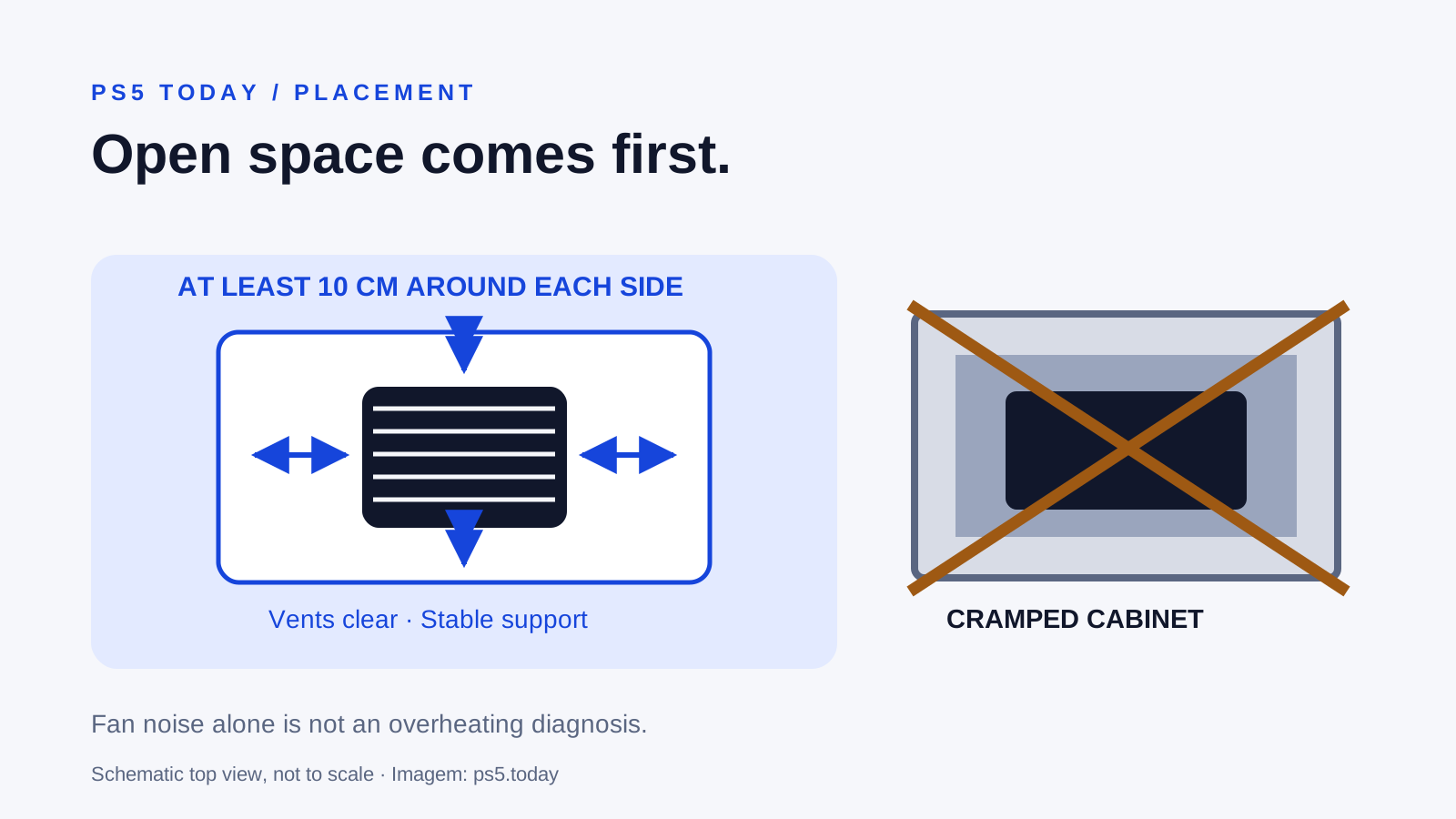
A louder PS5 fan during a demanding game can be normal. An overheating warning or repeated unexpected shutdown deserves attention. Start with the console’s surroundings: keep its vents unobstructed, leave at least 10 centimeters of free space around each side and avoid cramped cabinets or long-fiber carpet. Extra cooling hardware should not be the first answer to a console trapped in warm air.
If an overheating message appears, stop the session and follow the console’s on-screen directions. Do not repeatedly restart the same game to see how long it lasts. Let the system cool before handling it, and use a proper shutdown before disconnecting power for cleaning or relocation.
The practical aim is to establish a suitable place for the hardware and observe whether the specific fault returns. This guide does not infer internal temperatures from fan sound, promise that a stand will lower them or diagnose a failed component from a video clip.
Separate the observations before choosing a fix
Fan noise, warm exhaust air and a temperature warning are not interchangeable descriptions. Sony explains that its fan may run faster in some games and applications to cool the system. Hearing that change alone does not prove overheating. A new grinding sound, an error message or loss of power creates a different support question.
Write down what actually happens. Does a warning appear? Does the console shut off? Does the behavior occur in one game or in several? Did it begin after a move into a cabinet, a room rearrangement or a period of dusty storage? Include the exact model and any recent accessory installation.
For example, a console that becomes louder only in one demanding scene but continues normally is not equivalent to one that displays a temperature message every session. Both owners can improve placement. The second owner also needs a clear plan to stop if the warning returns.
Do not use the temperature of the outer cover as a substitute for diagnosis. Touch is subjective, rooms differ and the cover is not a direct measurement of internal components. A lack of alarming noise also does not guarantee that a console is healthy.
Give air a real route through the furniture
Look at the whole space, not just the gap visible from the sofa. A shelf can have plenty of room at the front while its rear panel traps warm air behind the console. A stack of boxes may leave the case uncovered but block the surrounding route out of the cabinet.
Measure the free space instead of estimating it through a glass door. Sony’s noise guidance calls for at least 10 centimeters around each side and warns against cramped spaces. That is a minimum placement instruction, not a promise that every enclosed shelf meeting one measurement will work well.
An open, stable shelf gives you a clearer starting point than a closed compartment. Keep other heat-producing equipment from crowding the console and avoid locations near heating appliances or direct sunlight, consistent with the model’s safety guidance. You should still be able to reach the cables without tugging the console out by its connectors.
Consider a media unit with a receiver below and a solid back panel. Opening only the front door may not resolve the trapped-air problem. A temporary move to an open surface lets you evaluate placement without purchasing an accessory. If the symptom changes, that is useful evidence about the environment; it does not prove a measured temperature reduction.
Use the support required by your exact console
PS5 models do not all use identical horizontal feet, bases or vertical stands. Follow the instructions supplied for your model and orientation. Do not borrow a photograph of a different revision and assume that the same support arrangement applies.
Choose a level surface where the system cannot rock, slide or be knocked over. Leave room for the disc mechanism if your console has a drive. Avoid balancing the case on a makeshift block to create a gap, especially when cable tension could pull it off position.
Vertical and horizontal placement can both be legitimate when the model is installed according to its instructions. The useful question is whether the correct support, clearance and stability are present. There is no reason to promise that changing orientation alone repairs an overheating fault.
If you are still choosing hardware, our PS5 model buying guide explains why the exact revision matters. For an existing console, read its model label and find its current official manual before buying a stand. A product described only as “for PS5” may not tell you which mounting arrangement it supports.
Clean accessible vents with the official method
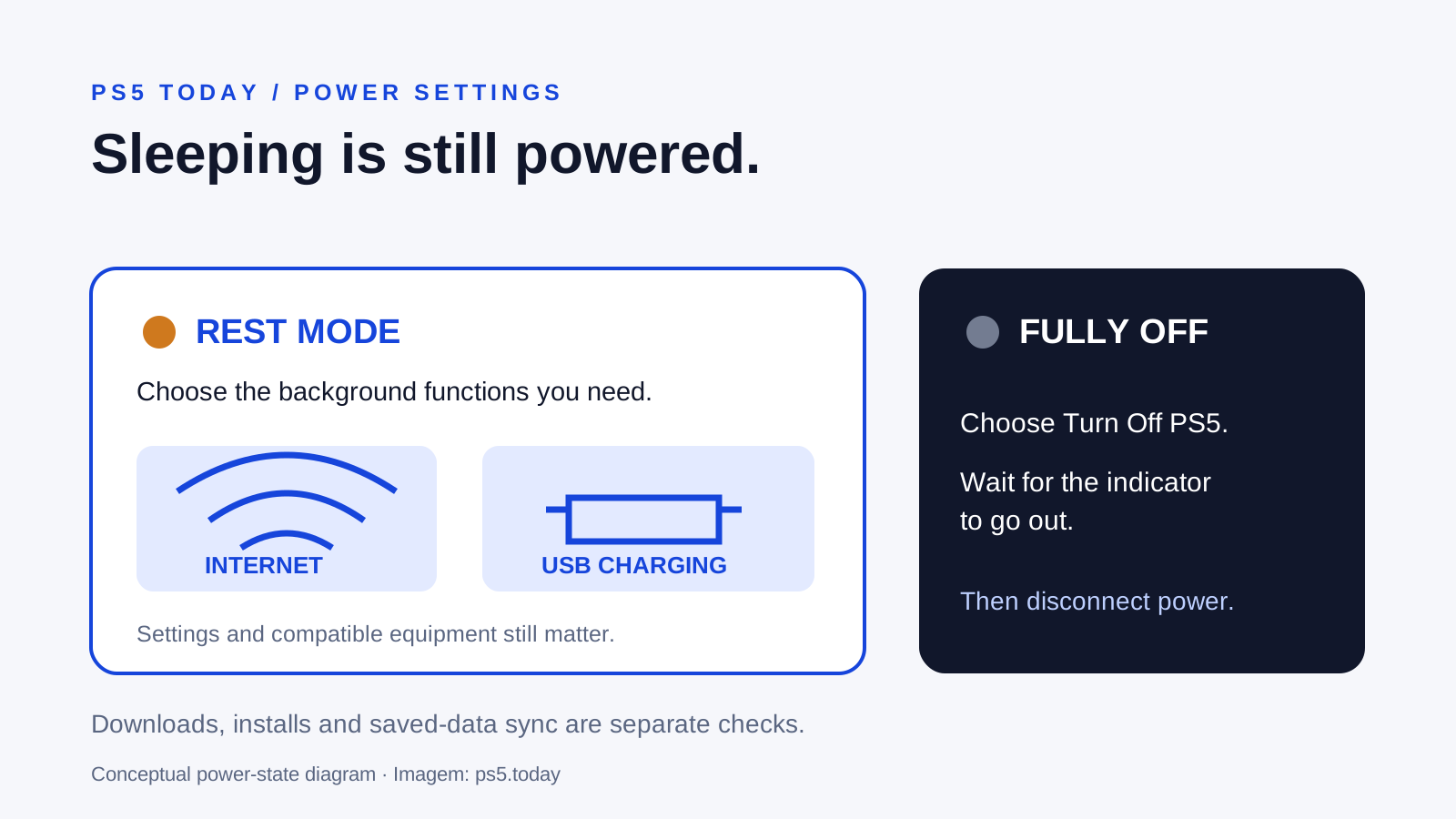
Dust around the openings is worth addressing, but cleaning begins with power safety. Turn the console off, wait for the indicator to go out and disconnect its AC power cable before cleaning. Let hot parts cool before moving or handling the system.
Sony’s public noise guidance recommends a low-powered vacuum to remove accumulated dust in and around the vents. Work gently from the accessible openings. The purpose is to remove surface obstruction, not to push a tool into the console or scrape a connector.
Do not spray liquid into vents, treat a household vacuum attachment as a tool for internal repair or improvise with a dismantling tutorial intended for another model. Opening the power supply or handling the cooling assembly goes beyond a routine placement check. If accessible cleaning does not resolve a recurring warning, support can assess the next appropriate service step.
Look at the environment too. A clean console placed back beside a dusty carpet or tightly packed fabric returns to the same conditions. Keep the shelf clean and check for obstruction occasionally, with frequency based on what you actually see rather than an invented universal cleaning schedule.
Why a cooling accessory may miss the problem
An add-on fan cannot make a closed cabinet provide an unrestricted escape route for warm air. A decorative stand also cannot establish that the console’s internal cooling system is functioning correctly. Start by removing the environmental obstacle you can already identify.
If an accessory claims compatibility, check the exact model, mounting method and whether it obstructs any original vent or cable connection. A USB connector proves only that a device can draw power through a port; it does not prove effective cooling, suitable airflow or an improvement in game performance.
An accessory can still serve another useful purpose. A stand may organize a small space or provide a convenient place for controllers. Evaluate that practical benefit separately from an unsupported temperature claim. Read the manufacturer’s instructions and return terms before purchase, and do not assume an advertisement replaces Sony’s placement requirements.
For a tight budget, a better first investment may be no purchase at all: move the console to a suitable existing surface and tidy the cabling. If you later need furniture, choose for usable internal space and ventilation rather than the appearance of a console-sized slot.
Check other symptoms without forcing one explanation
A system that turns off unexpectedly is not automatically overheating. Record whether there was a temperature message, an error code, an update or a power interruption. Give support the observations rather than a diagnosis you cannot verify.
Likewise, a blank television is not automatically a shutdown. Check whether the console remains on and whether the display lost its HDMI signal. Our no-signal troubleshooting guide separates the video connection from a power fault.
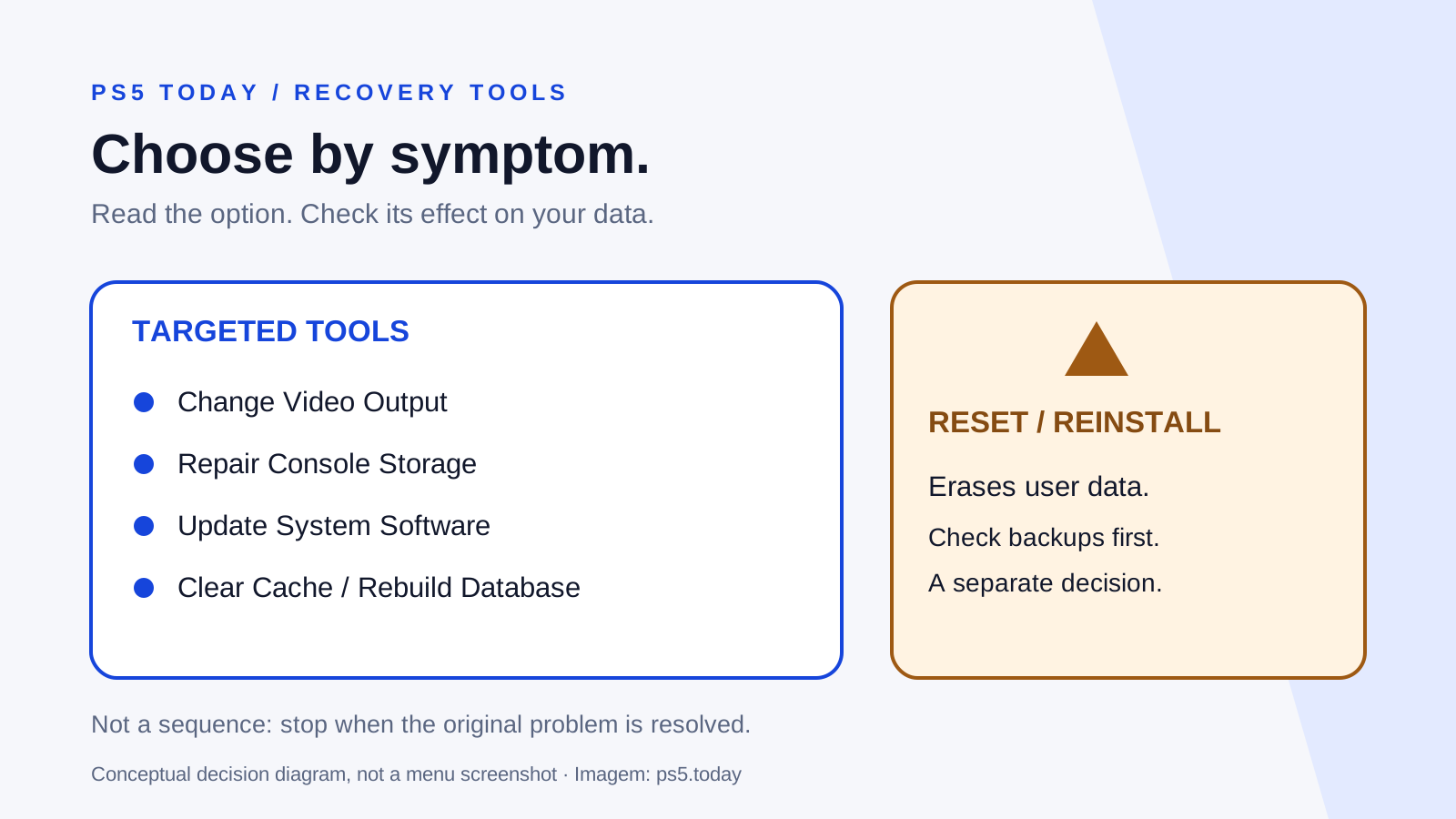
If the system reports storage trouble after an interruption, the Safe Mode guide explains the relevant tools and the options that erase data. Do not reset the console simply because it became hot or noisy. Erasing a user’s saves does not create more airflow.
Before any service that may reset or replace the console, check cloud-save synchronization where possible. Tell other users of the console what is happening so locally stored progress and captures are not overlooked.
Make one controlled return to ordinary use
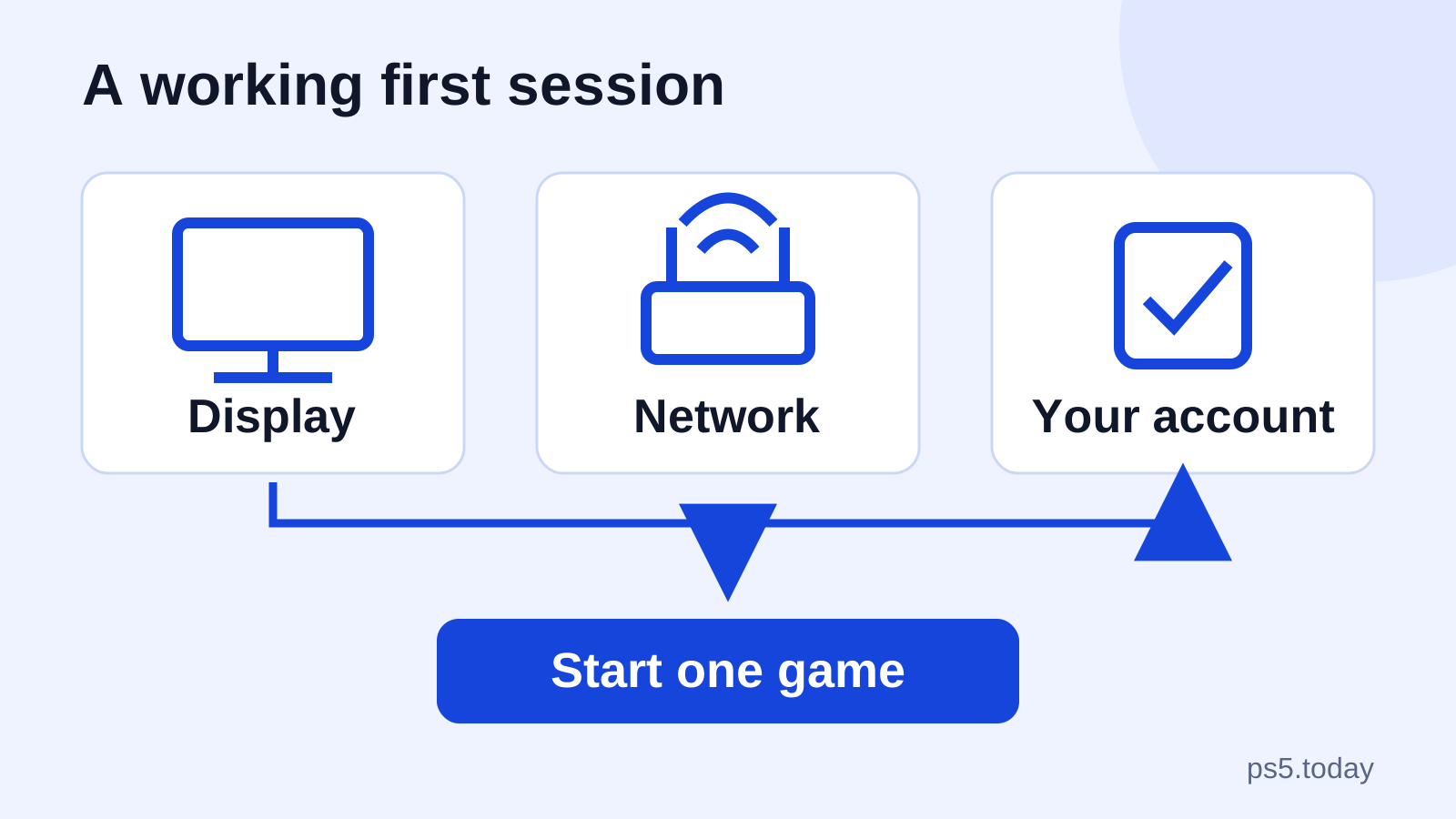
After correcting placement and cleaning accessible vents, reconnect everything securely. Confirm that the console rests on its proper support and the cable route does not pull it toward the edge. Start a normal session and pay attention to the symptom that originally concerned you.
This is an observation, not a stress test. You do not need to run the most demanding game repeatedly or leave the console unattended for hours. If an overheating warning or unexpected shutdown returns, stop and contact PlayStation Support or the appropriate authorized service route.
Provide the model, warning wording, timing, placement changes and cleaning already performed. Mention any physical damage or liquid exposure honestly. Do not conceal an accessory or modification that could affect the diagnosis.
The result you want is a console that operates normally in a suitable space. A fan that becomes audible during a game can be part of that normal behavior. A recurring warning after basic corrections is a reason for service, not a reason to keep buying more cooling attachments.
Sources and references
Written by PS5 Today.
Something changed? Send a correction →