For internal PS5 expansion, look for a supported PCIe Gen4 x4 M.2 NVMe SSD with Key M, suitable cooling and dimensions that fit the console’s expansion bay. M.2 SATA drives are not supported. A familiar brand or a fast number alone does not prove that the exact product is suitable.
Sony currently lists a supported capacity range of 250 GB to 8 TB and recommends sequential reading of 5,500 MB/s or faster. Check the complete current specification against the exact drive and heatsink combination before ordering. The bare drive and a version sold with a cooler can have different physical dimensions.
The factual requirements come from PlayStation’s M.2 installation guide. Keep that guide open when checking a product and fitting it. This article helps you choose and plan; the model-specific manufacturer instructions remain the reference for the physical procedure.
First confirm that internal expansion is the right purchase
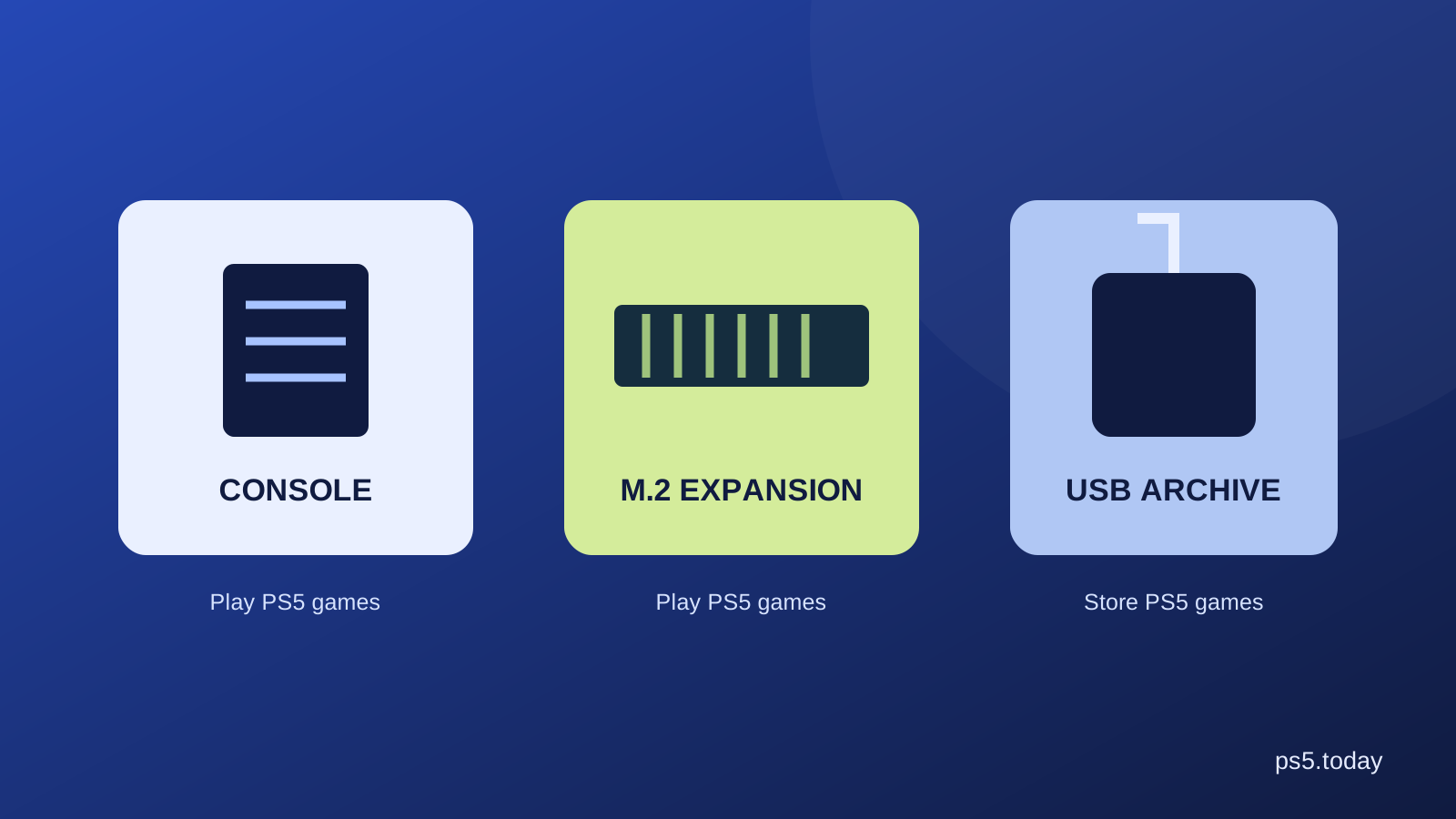
An M.2 expansion gives you more supported storage from which PS5 games can run. USB extended storage serves a different purpose for PS5 installations: it can archive them, but they need to move back to playable storage before launch. Compare the two by the inconvenience you want to remove.
If you regularly switch between several large PS5 games, internal expansion may make daily use easier. If you mainly keep older PS4 games or want an occasional local archive, another storage arrangement may be sufficient. Read PS5 storage explained before choosing only by the lowest cost per terabyte.
Also inspect your current drive. Removing old captures or an installation you no longer use can solve an immediate shortage. There is no need to buy hardware because the storage screen has become crowded once. Buy when the convenience justifies the cost for your recurring routine.
Read the interface, not just the M.2 label
M.2 is not a complete compatibility statement. The listing must identify the supported NVMe interface and relevant generation and lane arrangement. A SATA product can resemble a suitable drive while being the wrong type for this expansion slot.
Use the manufacturer’s specification for the exact model code. Retail pages sometimes group capacities, cooler versions or related products under one listing. Make sure the selected variant is the one whose details you checked. A specification attached to a different item in the same product family does not transfer automatically.
If the title and specification disagree, resolve that uncertainty before buying. Ask the manufacturer or choose a clearly documented alternative. A slightly cheaper unclear listing can cost more in return effort and delayed use than a straightforward suitable product.
Cooling must fit as part of the whole assembly
Sony requires effective heat dissipation, such as a heatsink and heat-transfer sheet. That means you should check the assembled drive, not only the circuit board. A cooler that works well in a desktop computer may be too large for the console’s bay.
The current official limits include a total width up to 25 mm and thickness up to 11.25 mm, with separate limits above and below the board. Supported lengths correspond to the listed form factors. Compare all dimensions against the official drawing; do not assume that a lid which almost closes is acceptable.
An included appropriate cooler can simplify the purchase. A bare drive plus a separate cooler may also be suitable, but it creates another compatibility and installation step. Compare the full cost and your confidence in fitting it, rather than treating a missing cooler as free savings.
Capacity should match your library
Start with how much extra room would make your installed selection comfortable. A person juggling two large games has a different need from a household with several users. The largest supported capacity is a limit, not a recommendation that everyone should spend up to it.
Think about the next year of use without pretending you know every future installation size. Leave room for updates and some flexibility. An expansion that is nearly full on the first evening may provide less convenience than expected, but spending much more for unused space is not automatically good value either.
Compare current delivered prices for suitable capacities on the same day. Include a required cooler and any installation help. Avoid treating a past sale price as a promise that today’s listing is a bargain. The final seller and checkout terms determine the purchase you are actually making.
Speed is not a universal performance guarantee
Sony’s recommended sequential-read figure is one requirement to examine. It should not be turned into a claim that a faster advertised number gives every game proportionally faster loading. Different tasks and implementations can behave differently.
The official guide also notes that identical performance to the console’s built-in drive is not guaranteed for every game. This is another reason to choose a documented suitable product rather than buying solely for the largest benchmark number in a retail title.
Your main benefit may be capacity and less moving of games, not a dramatic change in every loading screen. Evaluate the expansion around that realistic benefit. A dependable compatible drive that solves your space problem can be a better purchase than a more expensive specification you cannot meaningfully use.
Prepare the installation properly
Identify your PS5 model group before removing a cover. Sony provides different instructions for different designs. Update the system first, shut down as instructed, disconnect cables and allow the console to cool. Work on a stable well-lit surface and keep small parts organized.
Use the correct tool and follow the instructions for the spacer, drive angle and fastening point. Do not improvise pressure to overcome a mismatch. If the assembly does not sit correctly or the cover does not fit, stop and recheck dimensions and placement.
If you are uncomfortable handling the installation, consider a competent local service and include that in your budget. Asking for appropriate help is often cheaper than damaging a connector. The purchase decision should include the whole route from sealed box to working extra storage.
Formatting is a real data decision
A newly installed drive is formatted for use when prompted by the console. Formatting erases existing data on that drive. Do not move a drive containing files you still need into the console and assume you can preserve everything through the setup process.
Before fitting a previously used drive, establish what is on it and preserve anything important through an appropriate route. Check which drive the prompt identifies. A clear understanding before installation is safer than trying to recover data after a hurried confirmation.
Once formatting begins, follow the instruction not to interrupt power. Let the process complete before deciding something has failed merely because it takes longer than a short video suggests. If an error appears, record the exact message and consult the official guidance.
Set the new storage to match your habits
After installation, inspect Settings and Storage to confirm the drive appears. Choose installation locations deliberately and move a small number of games you actually want there. You do not need to reorganize the whole library immediately to prove that the upgrade was worthwhile.
Test a game from the new location. If a specific title behaves unexpectedly, Sony advises moving it back to the console’s built-in storage while investigating. That gives you a practical comparison rather than assuming every issue is caused by the new drive.
Keep saved-data management separate from game installation management. Adding capacity is not the same as creating a complete backup. See deleting games while keeping saves for that distinction, especially before a repair or console replacement.
Make a clear final check
Confirm the exact drive code, supported interface, cooling assembly, dimensions, capacity, seller and return terms. Check current manufacturer information and Sony’s requirements together. If a product page only says PS5 compatible without explaining the model or cooler, seek the missing detail before paying.
Buy the expansion because it removes repeated storage inconvenience. Do not buy it because an unverified GTA VI file-size rumor makes it sound compulsory. Our GTA VI preparation guide explains what to check for that release. A suitable SSD is a useful optional expansion when your library needs it, not a substitute for understanding the requirements.
Sources and references
Written by PS5 Today.
Something changed? Send a correction →